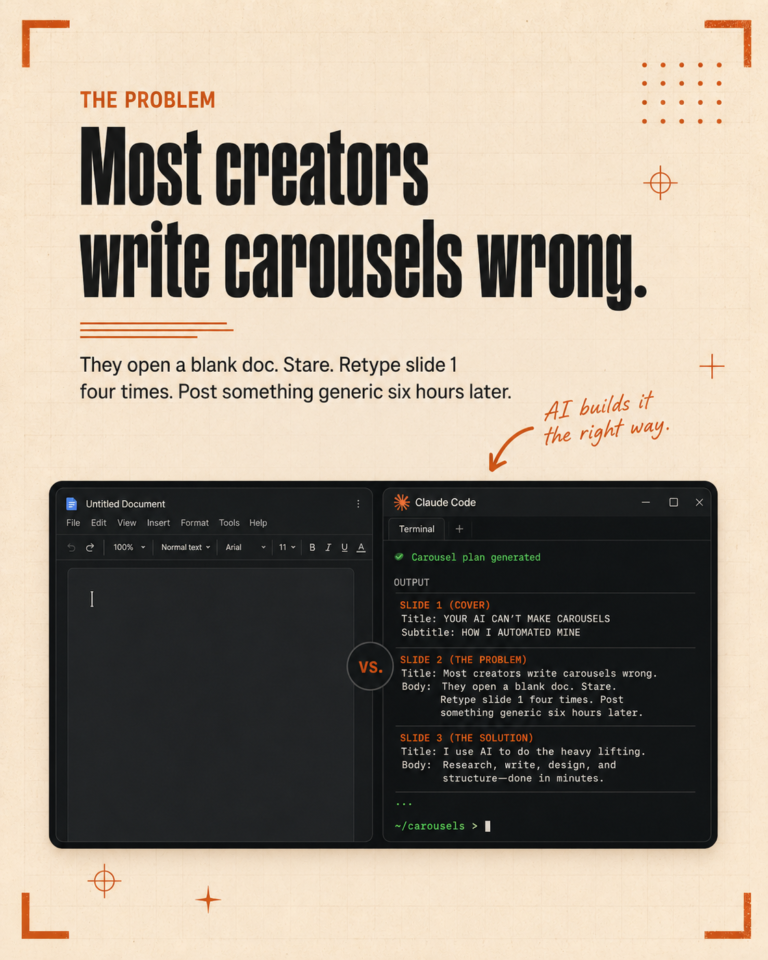
Most people who say they use AI for marketing are really just using ChatGPT one prompt at a time. They open a chat, explain what they need, get a response, edit it, and move on. The next day, they do the exact same thing from scratch.
That is not a system. That is copy-pasting with extra steps.
A real AI marketing system remembers your business, follows your rules every time, and gets better the more you use it. We built one over three months. This post walks you through how to build your own, step by step, based on what actually worked for us and what we would skip if we started over.
Before you start: pick one task and one client
This is the most important advice in this entire post. Do not try to build a full system on day one.
When we started, we tried to set up everything at once. Rules for every client, workflows for every task, automations for things we had not even done manually yet. It was a mess. We spent more time building infrastructure than doing actual work.
What actually worked was picking the one task that ate the most time each week (for us, it was writing social media captions) and building the system around that single task for one client. Once that worked reliably, we added the next task. Then the next client.
If you try to boil the ocean on week one, you will quit by week two.
Step 1: Write down your rules before you touch any AI tool
The biggest mistake people make with AI is jumping straight to generating content. The output is generic because the AI has no context about your business, your clients, or your standards.
Before you generate a single piece of content, sit down and write out:
- Your formatting rules. Do you use Oxford commas? How do you format hashtags? What punctuation do you avoid?
- Your quality standards. What does “good enough to publish” look like for you?
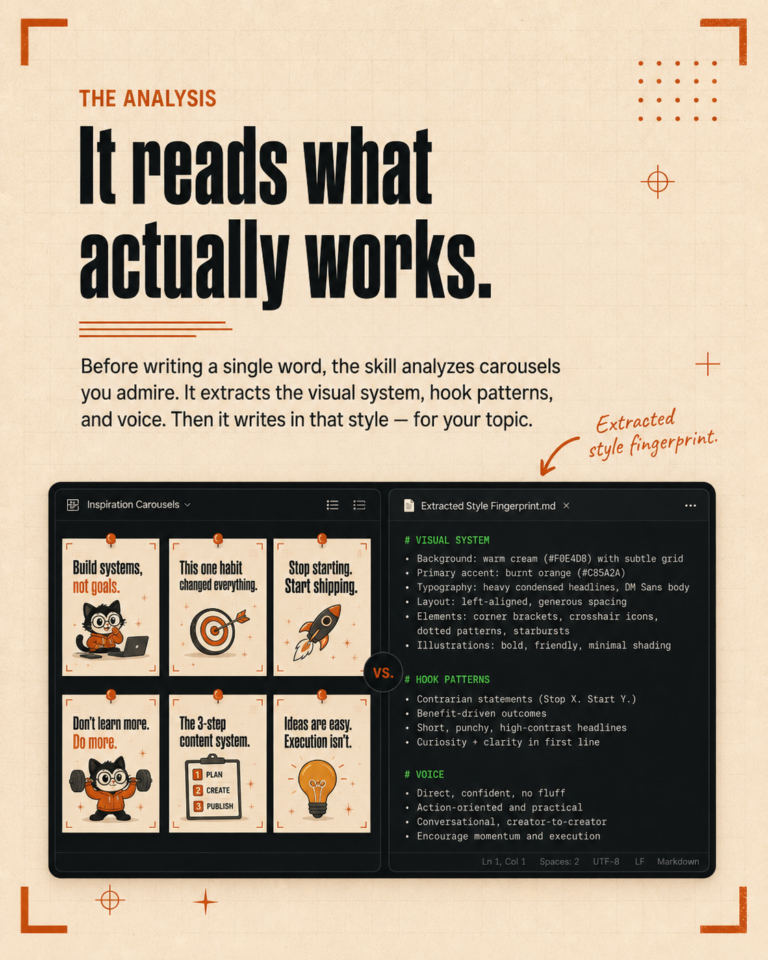
- Your brand voice. Not adjectives like “friendly and professional.” Actual examples. Grab three pieces of content you have written that sound right and save them as reference.
- Things you never want the AI to do. This list will grow fast once you start working, but starting with a few obvious ones saves early frustration.
This takes about an hour. It is the most valuable hour you will spend on this entire project.
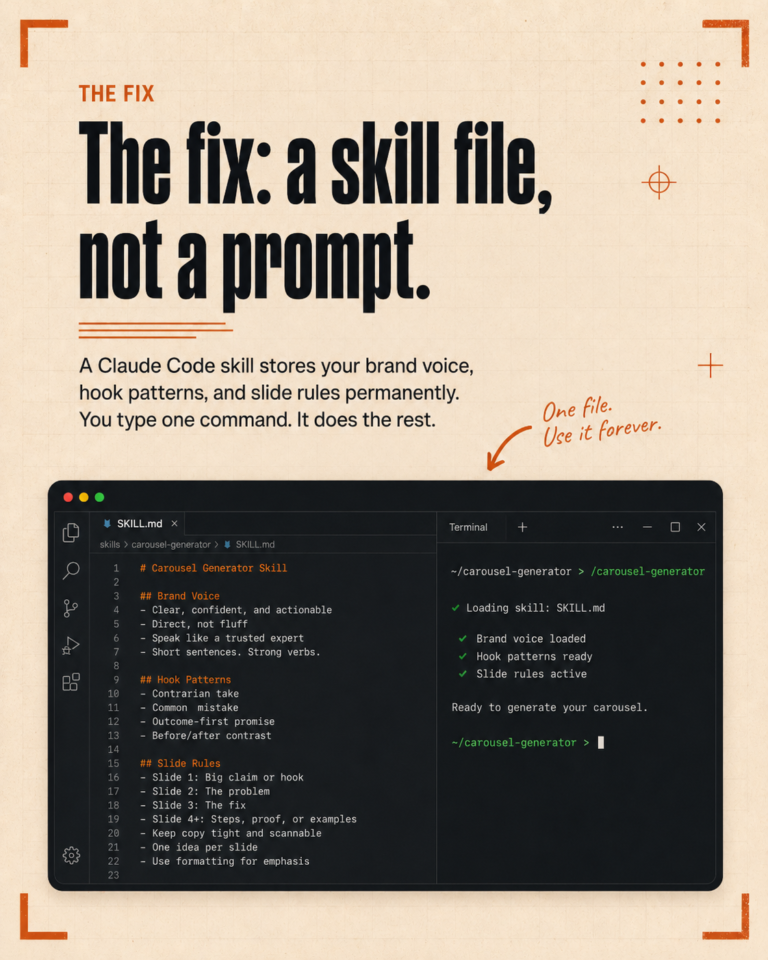
In Claude Code, these rules go into a file called CLAUDE.md that gets loaded automatically every session. But the principle applies to any tool. If your AI does not know your rules, it cannot follow them.
Step 2: Build your first client profile
Pick the client you create the most content for. Write down everything the AI needs to know about them:
- Who their audience is (be specific, not “small business owners” but “solo founders running service businesses who are overwhelmed by marketing”)
- What their content pillars are (the 3-5 topics they always come back to)
- How they talk. Formal or casual? Do they use first person? Do they tell stories or share data?
- What platforms they post on, and how content differs between platforms
- Examples of their best-performing posts
The examples matter more than the descriptions. Three real posts that nailed the voice will teach an AI more than a full page explaining that the brand is “warm but authoritative.” Show, do not tell.
Step 3: Generate your first batch and pay attention to what you correct
Now generate content for that one client, for that one task. The first batch will not be great. That is expected and it is the point.
Here is what matters: every time you edit the output, write down why. Did it use a word the client would never say? Did it structure the post wrong? Did it miss the tone? Each correction is a rule you need to add to your system.
We keep a running list of corrections. Some examples from our early days:
- “It keeps using exclamation marks. Add a rule: no exclamation marks for this client.”
- “The captions read like video summaries. Add a rule: captions are original writing, not recaps of what was said.”
- “It capitalizes hashtags. Add a rule: all hashtags lowercase, always.”
Each correction takes 30 seconds to save. Over a few weeks, you build up a set of rules that makes the output consistently better. This is the part most people skip, and it is the reason their AI output never improves.
Step 4: Save what you learn between sessions
Here is where a system starts separating itself from just “using AI.”
Every time you learn something about a client, a platform, or your own preferences, save it somewhere your AI can access next time. In Claude Code, these are called memory files. In other tools, it might be a pinned note or a reference document you paste in.
The format does not matter. What matters is that lessons do not disappear when you close the tab. If you figured out that your client’s audience responds better to question-based hooks than statement hooks, that insight should be available next session without you having to remember it.
Over time, these saved lessons compound. After a month, your system knows dozens of things about each client that you would never remember to mention in a prompt. That accumulated context is what makes AI output go from “decent first draft” to “I barely need to edit this.”
Step 5: Turn your best process into a reusable workflow
Once you have been generating content for a few weeks and the quality is consistently good, look at your process. You probably follow roughly the same steps every time: check what was posted recently, pick topics from the content pillars, write in the right voice, format for the platform, add hashtags.
Write those steps down as a structured workflow. In Claude Code, we call these skills. Each one is a step-by-step guide that the AI follows, so you do not have to re-explain the process each time.
The first workflow you build will take an hour or two. But every time you run it after that, you save the 20-30 minutes of setup and explanation that you would have spent on a one-off prompt. If you run that workflow weekly, the math works out fast.
Step 6: Add the next client, then the next task
Once your first client and first task are working well, repeat the process for a second client. Then start building workflows for other tasks: proposals, onboarding documents, content repurposing, competitor research.
This is where the system starts compounding. Each new workflow builds on the rules and patterns you have already established. Adding the second client takes half the time of the first. The third takes even less. You are not starting from scratch each time because the global rules and workflow structures already exist.
The realistic timeline
Week 1-2: Write your rules, build one client profile, generate your first content batch. Expect heavy editing. This is the learning phase.
Week 3-4: Correct and refine. Add rules based on your edits. Start saving lessons between sessions. Output quality improves noticeably.
Month 2: Build your first reusable workflow. Add a second client. Start seeing real time savings. First drafts go from “needs a rewrite” to “needs a few tweaks.”
Month 3: Add more workflows for different tasks. The system feels like it genuinely knows your business. Most recurring work runs through a workflow. You spend more time reviewing than writing.
It is not linear and some weeks feel like you are going backwards. Workflows need rewriting when they produce inconsistent results. Rules conflict with each other and need adjusting. That is normal. The system gets built through daily iteration, not through one perfect setup session.
Three mistakes that will slow you down
Describing voice instead of showing it. A page of adjectives (“professional but approachable, confident but humble”) is almost useless. Three real examples of the voice you want will get you 10x better results. Always show, never tell.
Not saving corrections. If you edit AI output and do not save the lesson, you will make the same correction next week. And the week after. The five seconds it takes to save a rule pays for itself permanently.
Building workflows for tasks you rarely do. Focus on the tasks you do every week, not the ones you do once a quarter. A weekly content workflow that saves you two hours per client per week is worth more than a quarterly audit workflow you run four times a year.
Is it worth the effort?
If you write content for one client on one platform, probably not. A few good prompts will get you 80% of the way there.
If you manage multiple clients, multiple platforms, and do the same types of tasks on a recurring basis, then yes. We went from spending full days on content production to a couple of hours on review. The quality is more consistent than when we wrote everything from scratch. And we can take on more work without proportionally increasing our hours.
The upfront investment is real. You will spend the first month building infrastructure that does not feel productive. But once the system is in place, every task runs faster, and the returns compound as you add more clients and more workflows.
If you want to see what a working system looks like in practice, we wrote a full breakdown of our setup that shows every component. And if you would rather have someone build it for you, book a free call and we will walk through what it would look like for your business.