Carousel Generator
Show it a few carousels that did well in your niche. It learns their look, then writes every new one in your own words, ready to save as images and post.

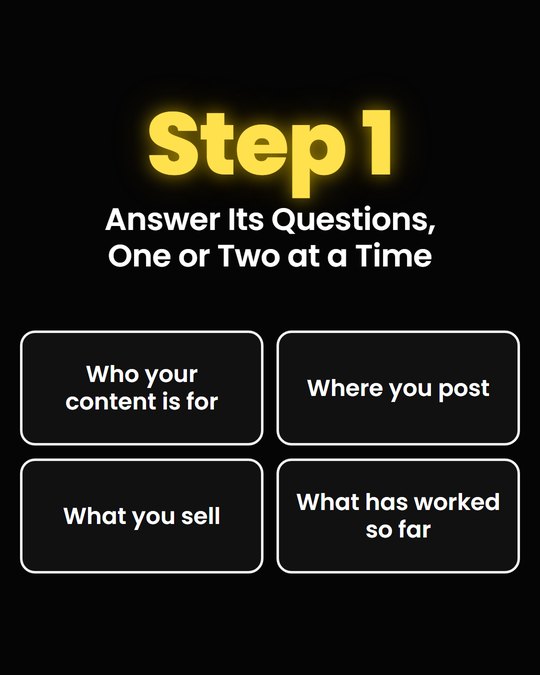
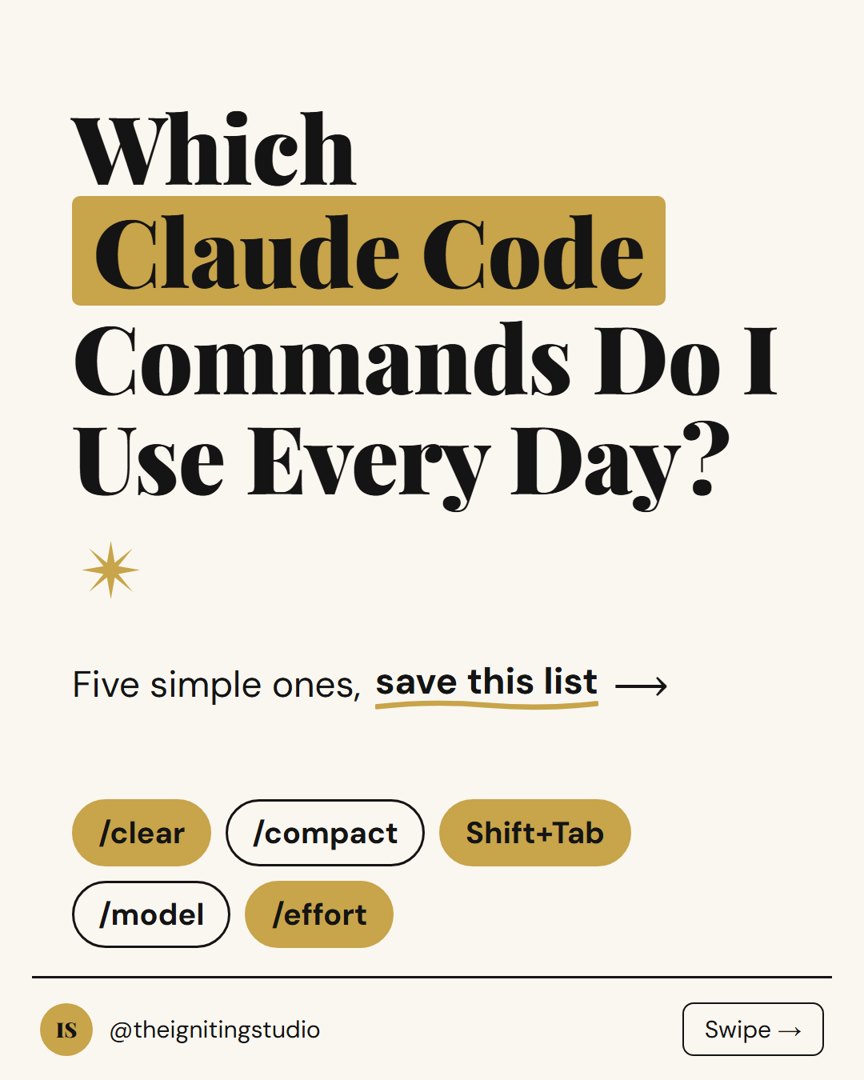
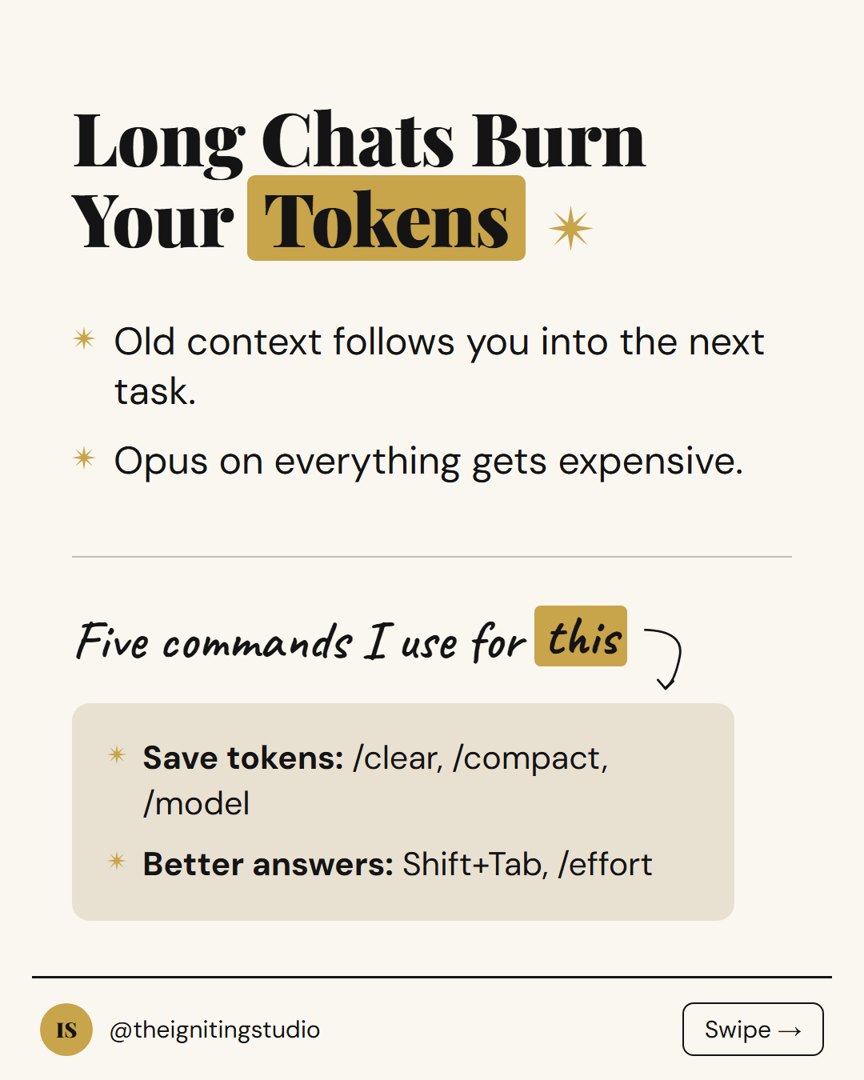
Claude.ai, Cowork
and Claude Code
Their look. Your words.
Rebuilding a carousel style in Canva takes hours, and AI alone gives you the template everyone posts. So I split the job in two.
- Slide structure
- Hook shapes
- Layout
- Colours and fonts
- Your voice
- Your topics
- Your offer
- Your handle
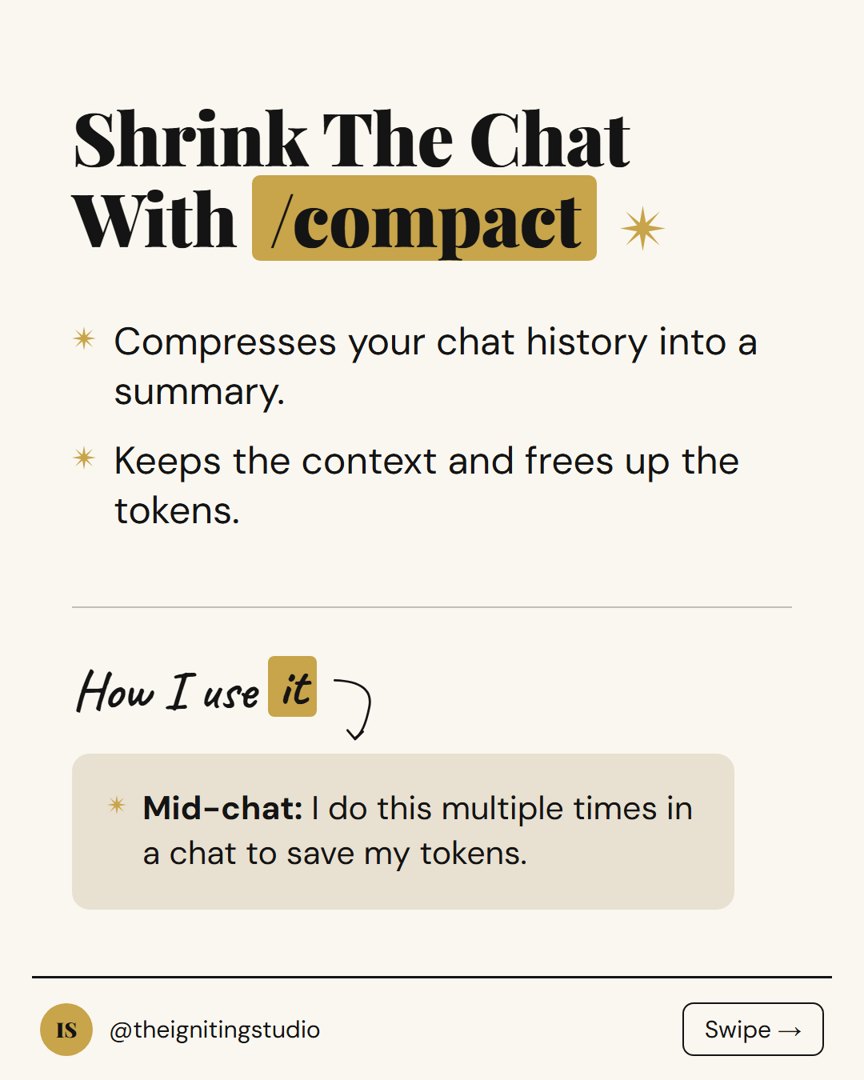
Swipe through it.
- 01
Show it what works
5 to 10 carousels that did better than usual. Once.
1/4Swipe → - 02
Give it your voice
Your strategy files, or 4 short questions. Once.
2/4Swipe → - 03
Pick a topic
Missing a number or a story? It asks instead of inventing one.
3/4Swipe → - 04
Save and post
Click Save PNG under each slide. Caption and hashtags are ready.
4/4Done
Installing the skill takes about two minutes. Works in Claude.ai, Cowork and Claude Code.
One file, every slide.
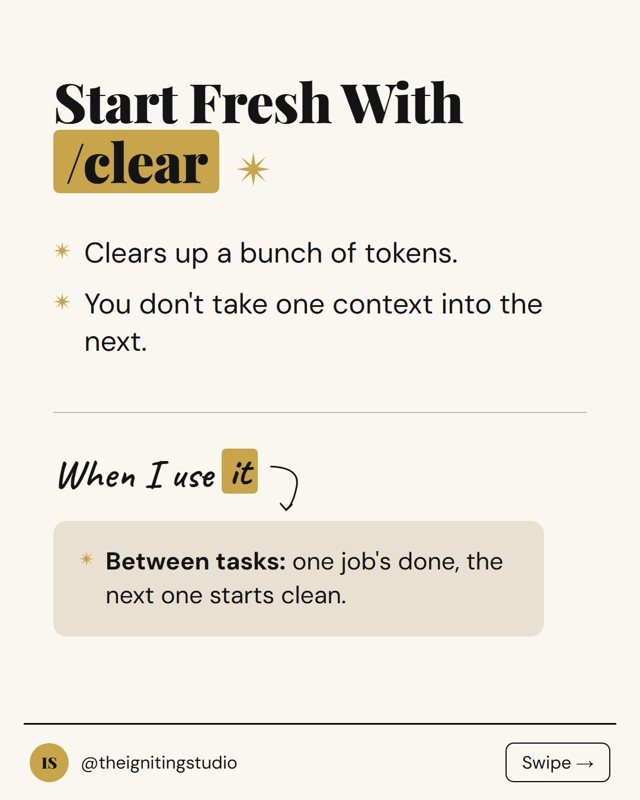
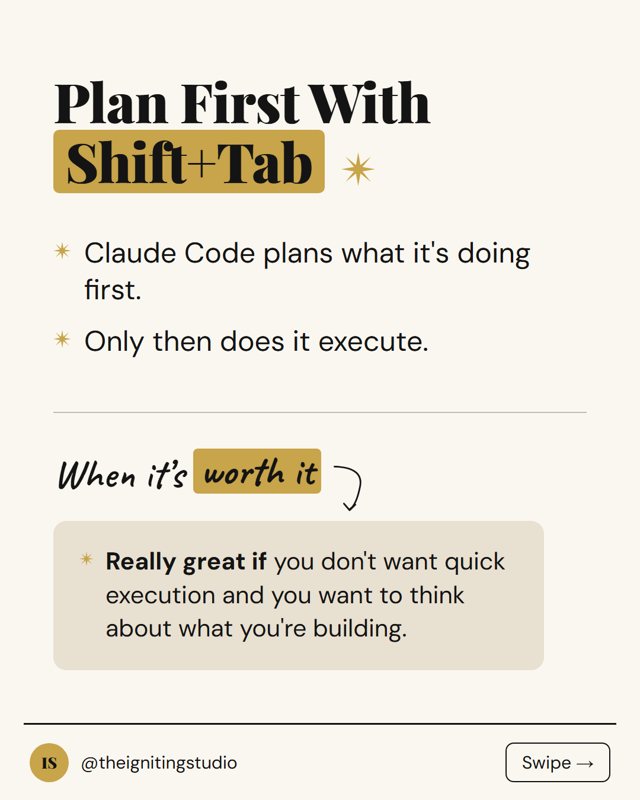
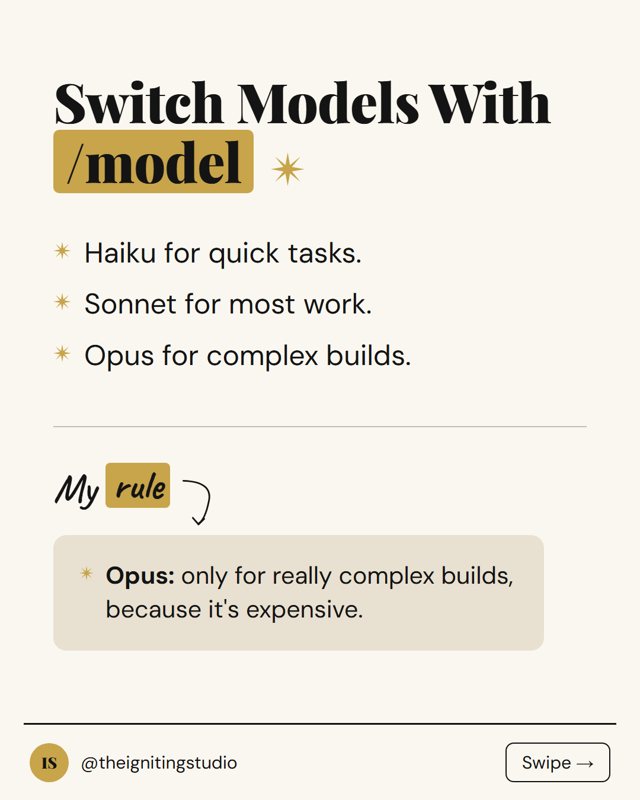
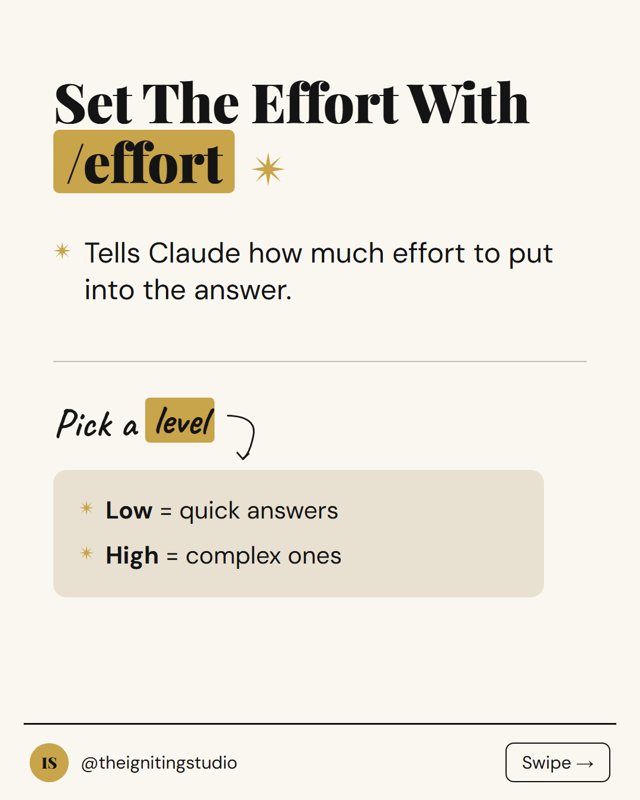
a real carousel from the skill, all 8 slides
Every time
- A Save PNG button under every slide
- Fonts built in, works offline
- A caption that adds something the slides don't say
- 3 to 5 researched hashtags
When the style needs it
- Your screenshots in frames, circled
- A fal.ai photo, with your own key (optional)
- One ChatGPT prompt per slide for illustrated styles
Carousel Generator
- The skill, for Claude.ai, Cowork and Claude Code
- A saved style, learned from carousels in your niche
- Writing in your voice, from your strategy files or four short questions
- Topic ideas from your topic bank
- Slides with a Save PNG button, fonts built in
- Your own screenshots and photos placed on the slides
- Photos made with fal.ai when the style needs one (optional, your own fal.ai key)
- One ChatGPT prompt per slide for illustrated styles
- A caption and 3 to 5 researched hashtags
- Lifetime updates
- Single-user commercial license, including client work
$14One-time payment. Lifetime license.
Sold through Polar. Instant digital download. 14-day refund.
Questions.
Do I need the Strategy / Pillars Creator?
No. Carousel Generator works on its own and asks four short questions about how you write. If you have the Strategy files, it reads them instead and also suggests topics from your topic bank.
Does it work with the Igniting Content Studio?
Yes. The Igniting Content Studio is the full short-form video system: it finds the videos that worked in your niche, builds your strategy, writes your filming cards, edits your videos and writes the posts. Carousel Generator isn't included in it, it's the add-on. Drop it into your Studio folder and it reads your onboarding and strategy instead of asking its questions, and suggests carousel topics from your strategy.
Where do I find the carousels to show it?
Scroll the bigger accounts in your niche and save the carousels that got clearly more likes, comments or saves than their other posts. Screenshot each slide. If you can only find one or two, it still works, and you can add more later.
Will it copy other creators?
No. It takes the look and the structure, never the words. Hook shapes like "a question about a tool" get filled with your own words and your own material.
Do I need screenshots?
No. You only add them if the style uses them, and every slide works without one. The skill never takes, finds or makes screenshots for you. On Claude.ai you attach them to the chat; on Cowork and Claude Code you drop them in a folder.
What is fal.ai for?
It's optional. Some styles need a photo you don't have, like a cover set at a desk in warm light. With a fal.ai key, the skill tells you what the photo will cost, and makes it only if you say yes. It never makes screenshots, logos or a person standing in for you. It works in Claude Code, and in Cowork when it can run code. Without a key, use your own photo or a slide without one.
Can I use my own colors and fonts?
Yes. Use the colors from the carousels you showed it, or your own.
Do I need coding experience?
No. You install the skill once, which takes about two minutes, then talk to Claude normally.
Which Claude plan do I need?
Any paid Claude that supports skills: Claude.ai (Pro, Max, Team or Enterprise), Cowork, or Claude Code.
On Claude.ai, the Save PNG button does nothing. Why?
Claude.ai's preview blocks downloads. Download the HTML file first, then open it in your own browser. Save PNG works from there.
Can I use it for clients?
Yes. Use a separate folder per client, each with its own style and voice. The single-user commercial license covers client work.
Does it post for me?
No. You upload the slides and the caption yourself.
Refunds?
14 days. Reply to your receipt or email info@theignitingstudio.com and I refund in full.
Want the whole system?
The Igniting Content Studio is the full short-form video system: it finds the videos that worked in your niche, builds your strategy, writes your filming cards, edits your videos and writes the posts. Carousel Generator isn't included in it. Drop it into your Studio folder and it reads your onboarding and strategy instead of asking its questions.
one folder does the whole week:
- find what works
- →
- plan the week
- →
- filming cards
- →
- edit
- →
- posts for every platform
One email a week
Start with my free Claude Code setup guide, then get the tools, workflows and tips I'm using right now. Short, useful, and you can unsubscribe any time.