Orange Switchafter a fast tech explainer
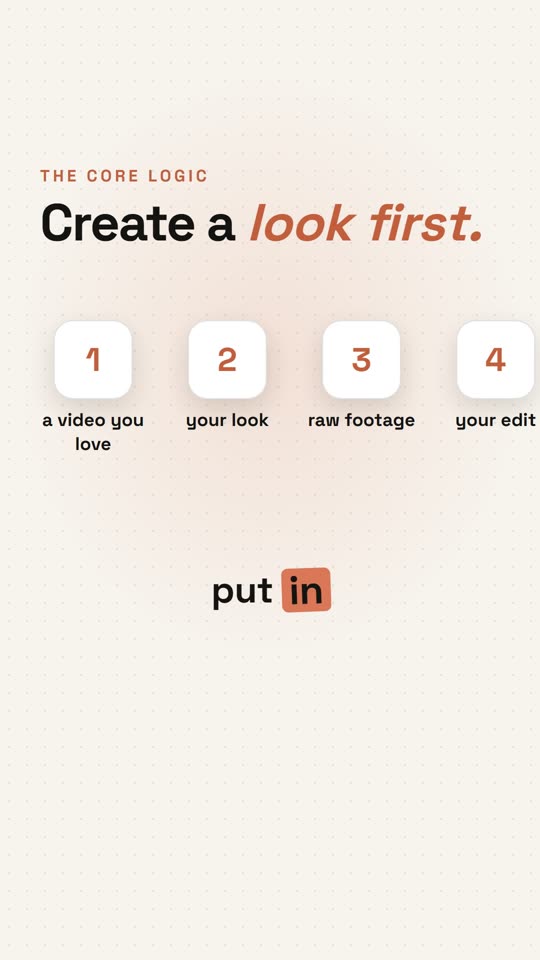
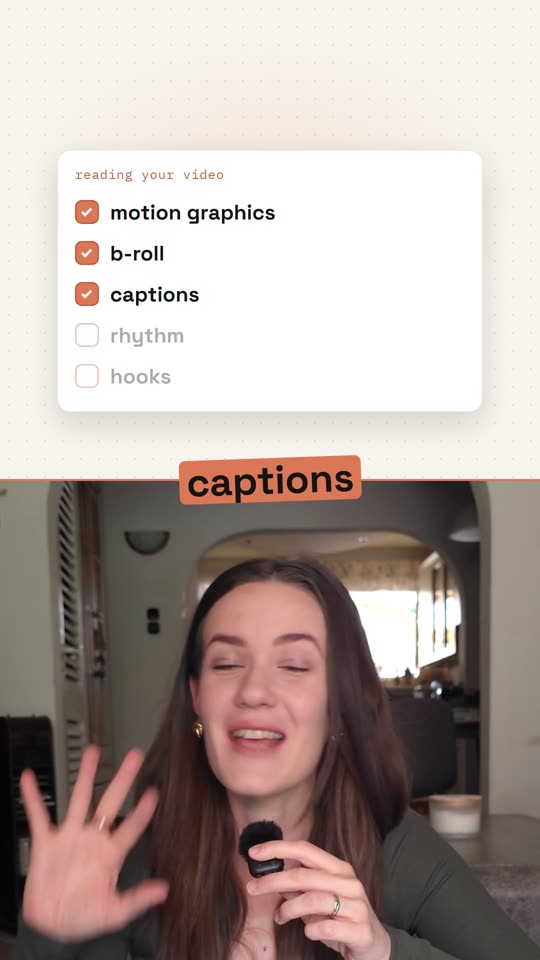
- Changes state every few seconds
- Flat graphics on warm white
- Spoken word boxed in orange
Give Claude a video whose editing you love and your raw talking-head take. It studies how that video was edited (layouts, captions, graphics, rhythm, ending) and edits yours the same way, in your brand colours. Save the style, and your next video starts from it.
Runs inside Claude Code · no editing app to learn · you type one word to start
Same raw take · three reference videos · three edits
Most AI editors make you describe your edit in a long prompt, every time. Here you show Claude a video instead, and it works out the editing for itself.
Type start. Give it a reference (or a saved style), your raw video and your brand. That's the whole brief.
Double-click the installer, type Y for the terms, paste one key. About 10–20 minutes the first time, mostly downloading. Everything goes into one folder.
Ask for changes in plain words. When a change is about the style, it asks whether to save it to the style too, and keeps every earlier version.
Unzip and double-click the installer for your computer. No admin password, nothing scattered around your computer. A step-by-step PDF comes with it.
A TikTok, Reel, Short or file whose editing you love, your raw take, and your brand: a website, hex codes or a saved brand.
startIt tells you what it learned from the reference, asks about your screens, builds and renders the edit, and checks every caption. Then it offers to save the style for next time.
“edit tuesday.mp4 in my tiktok style”No reference in mind? Your own best video works too. Every style comes from a real video someone edited, so there are no generic templates to fight against.
We filmed one raw video and edited it three times, each after a different reference video. Same words; only the reference changed.
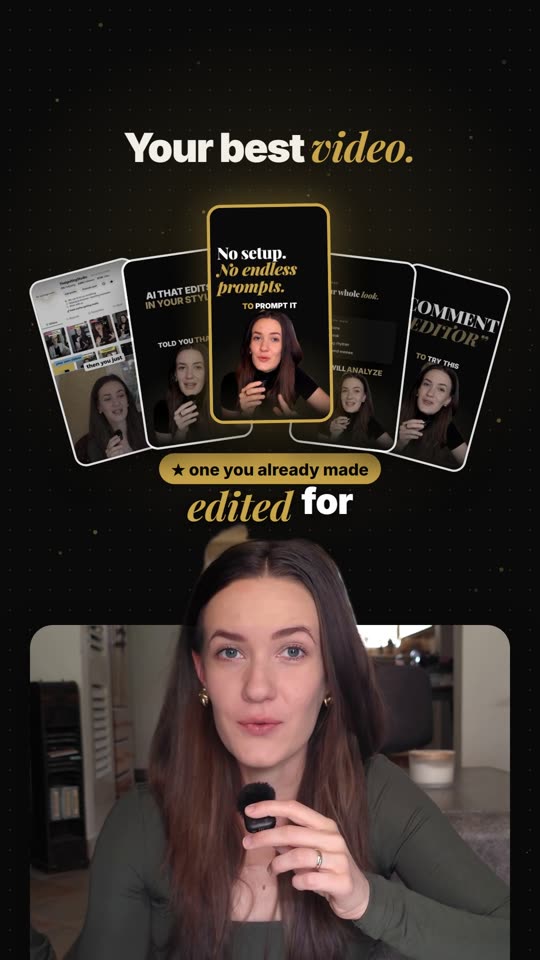
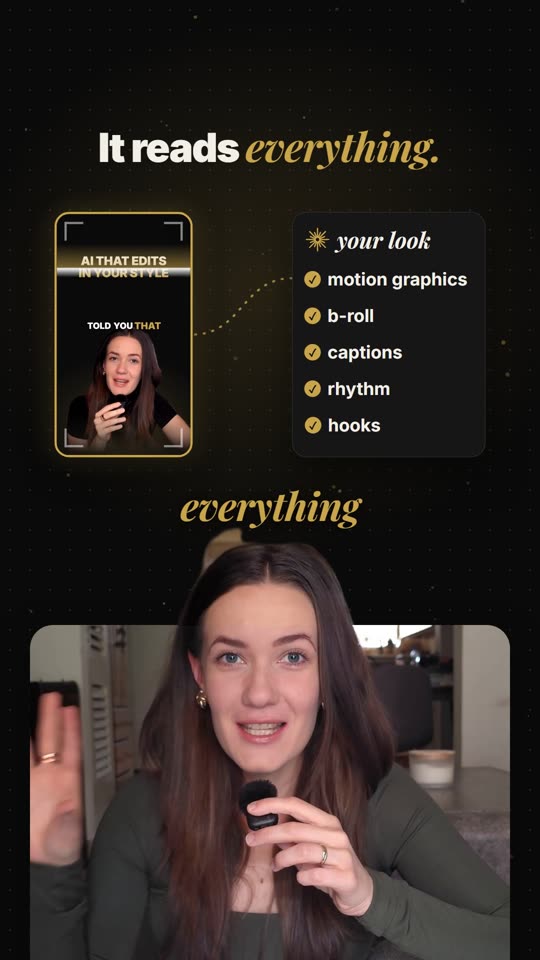
Claude studies the reference frame by frame and tells you what it found before it touches your take. Then it applies that language to what you actually say, not a frame-by-frame copy.
Where the speaker sits, where screens and graphics go, the background. Measured, so your edit uses the same geometry.
Words per card, the box or outline behind them, the font, colour, case and where they sit.
How its graphics are drawn: flat or dimensional, line weight, how much is on screen, how things move in. Your graphics are drawn fresh for your sentences, in that look.
How long each layout holds and how often the picture changes.
How the reference hooks you in the first seconds, written from your own opening words.
How it closes and what it asks for, with your own call to action.
All of this happens in every edit, in the reference's style.
The reference's colours are swapped for yours. Save a brand once, one for each business, channel or client, and pick it next time.
| Service | For | Your cost |
|---|---|---|
| Claude Code | Claude does the editing | a paid Claude plan, Max recommended |
| AssemblyAI | Transcription | a few cents a video, free credit to start |
| fal.ai | AI b-roll, if you want it | ≈ $0.003–0.025 a picture |
Windows 10/11 on Intel or AMD, or a Mac (beta) with Homebrew. About 3 GB free.
So you know what you're buying before you buy it.
| Made for | Talking-head videos: one person speaking to camera, with or without screen recordings. Out comes a 9:16 MP4 for TikTok, Reels and Shorts. |
| Install | 10–20 minutes the first time, mostly downloading |
| Each video | A few minutes of your time: the three inputs, then approving its screen picks. The rest runs on its own: studying the reference, building, checking, rendering. The render alone is about 8 minutes for a 60-second video on a fast computer, longer on an older one. |
| Claude usage | Each edit is a long Claude Code session. A paid plan is required; Claude Max is recommended, because on Pro you may hit your usage limit mid-edit and wait for it to reset. |
| Transcription | Twice per video on your AssemblyAI account: the raw take, then the finished cut |
| Computer | Windows 10/11 on Intel or AMD (not ARM / Snapdragon), or macOS (beta). About 3 GB free for the tools, plus room for your videos. |
| Not included | Music and colour grading. It learns how the reference is edited and never uses its footage, music or graphics. Output is an MP4, not a CapCut or Premiere project. |
By buying you accept the licence terms. They also come in the download.
The Studio comes with its own copy of the Video Kit, so buying the kit on its own doesn't take anything off the Studio's price later.
No. You type “start” and give it a reference (or a saved style), your raw video and your brand. When you want something different, say it in your own words: “bigger captions”, “less time on the first card”.
It learns how the video is edited, the way an editor learns a style: the layouts and where things sit, the caption look, the visual look of the graphics, the rhythm, the opening and the ending. It never uses their footage, music or graphics: yours are drawn for what you say, in your brand colours. It tells you what it found before it starts, and what it carried over when it's done.
Use your own best video, or any video whose editing you like. There are no ready-made templates: every style comes from a real edit. Once you've saved a style, you can reuse it without a reference.
Yes, to study it on your own computer. The kit learns the editing (layouts, pacing, caption look), which is how editors have always learned from each other. It never puts their footage, music or graphics in your video, and you should never publish or share their video itself. Downloading from a platform can be against that platform's terms, so if a link won't download, save the video yourself or use a file. Your own best video works just as well.
No. You type plain sentences to Claude Code. The Start here PDF walks you through the one-time setup step by step.
The kit is a one-time payment. To run it you need a paid Claude plan (Max recommended) and an AssemblyAI account for transcription, which costs a few cents per video. fal.ai is only needed for AI b-roll. All of these bill your own accounts directly; nothing goes through us.
Yes. The editor is one step of the Igniting Content Studio, which also finds the videos that worked in your niche, builds your strategy, writes your filming cards and writes the posts for every video you edit. The Studio has its own copy of the kit, so what you pay for the kit on its own isn't taken off the Studio's price. If you think you'll want the whole system, start with the Studio.
No. You pay once and keep the kit. Updates to version 2 are included; you download them from your Polar account.
It works, but expect waits. An edit is a long Claude Code session, so on Pro you may reach your usage limit partway through and have to wait for it to reset before Claude can finish. If you edit more than the odd video, Claude Max is the plan we recommend.
Yes, in beta. The Mac installer is tested on a fresh Mac, but fewer people have used it than the Windows one. You need Homebrew first (one command from brew.sh). Windows on ARM (Snapdragon laptops) isn't supported.
Talking-head videos: one person speaking to camera, recorded on a phone or camera, with or without screen recordings. It isn't built for vlogs, b-roll-only edits, podcasts with several people on camera, music videos or long-form YouTube. Output is a 9:16 MP4 for TikTok, Reels and Shorts, not a CapCut or Premiere project.
The kit installs into one folder, plus the tools it needs (Node.js, Python, ffmpeg) if they're missing. It never moves or overwrites your videos, and the uninstaller removes only what the kit added. Claude Code runs the commands on your computer with the permissions you give it, so keep its permission prompts on and back up footage you can't replace.
It stays on your computer and is never moved or changed. Only the audio goes to AssemblyAI to be transcribed.
The video engine is Remotion. It is free for individuals and for companies of up to three people. If your company has four or more people, you need a Remotion company licence from remotion.pro, bought directly from Remotion, in addition to the kit. Editing videos for clients is fine under either.