Managing social media for one brand is straightforward. Managing it for four or five at once is where things start falling apart. Different voices, different platforms, different posting schedules, different hashtag strategies. It is a lot of context to hold in your head.
That is exactly why we built our social media workflow around Claude Code. Not because it writes posts for us. Because it holds the context we cannot.
At The Igniting Studio, we manage social media for multiple clients across industries. Each one has a distinct voice, audience, and content strategy. This post walks through how we actually use Claude Code for social media management, day to day, with practical tips you can start using today.
Why Generic AI Tools Fail at Social Media Management
You have probably tried using ChatGPT or similar tools to write social media captions. It works for a single post. But when you are managing multiple brands, the problems start stacking up.
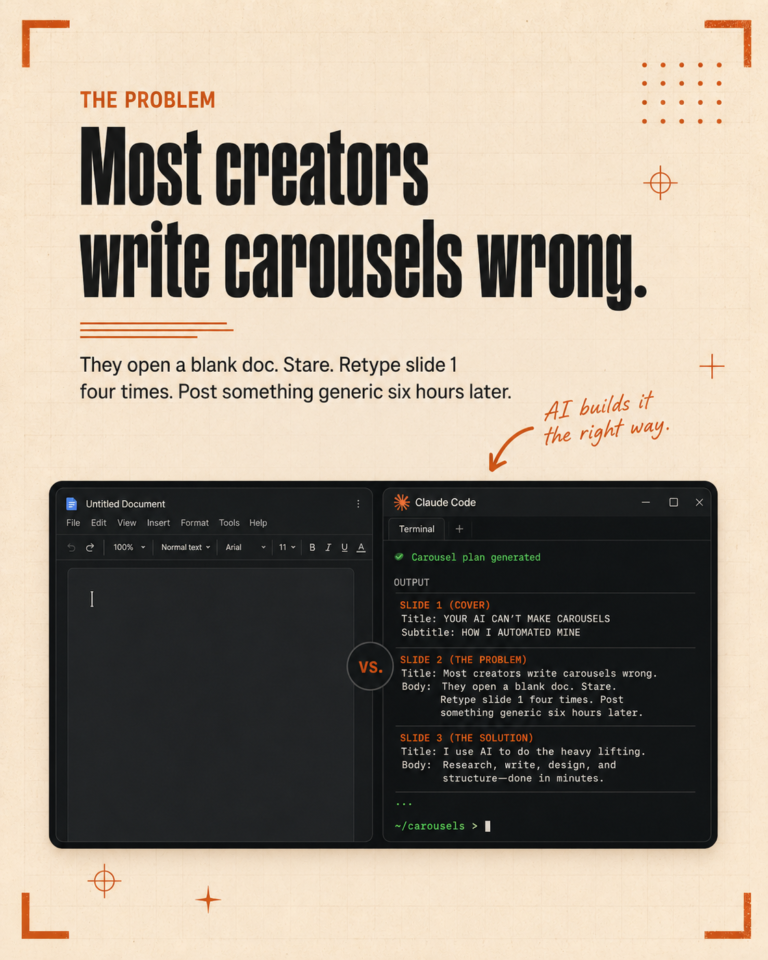
Every time you open a new chat, the AI forgets everything. You paste in brand guidelines, voice notes, hashtag lists. Then you do it again tomorrow. And the day after. The output drifts because there is no persistent memory, no rules that stick between sessions.
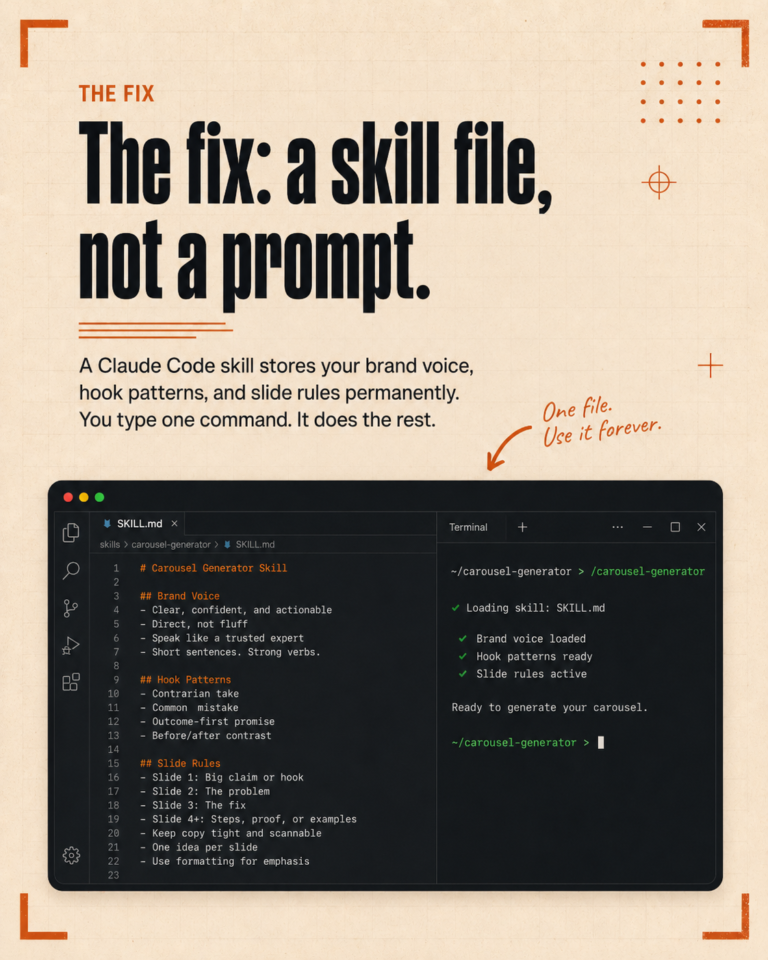
Claude Code solves this with one simple concept: project files. Your brand voice, posting rules, content pillars, and platform preferences live in files that Claude reads automatically every time you start working. No re-explaining. No copy-pasting context into chat windows.
The difference between prompting a chatbot and running a system is exactly this: the system already knows who it is writing for.
How We Structure Client Context for Social Media
Every client we manage gets a dedicated configuration. Here is what goes into it:
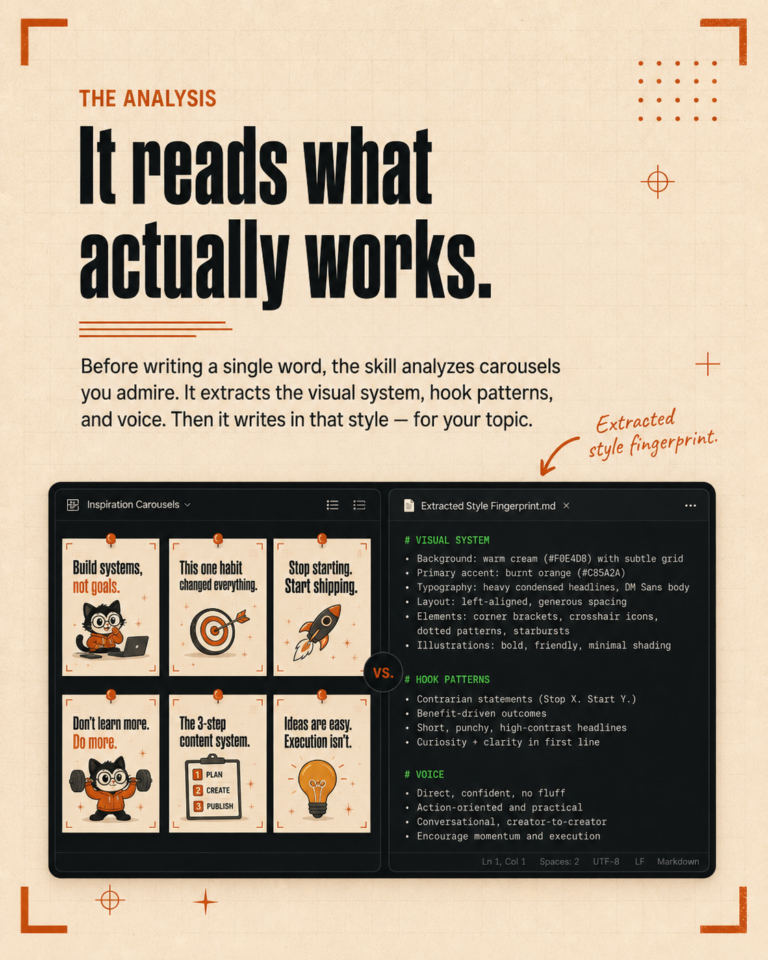
- Brand voice definition. Not vague descriptions like “professional yet friendly.” Real examples. Sentences the client has written or approved, words they use, words they never use, how they open a post, how they close one.
- Platform-specific rules. One client might want 3 hashtags on Instagram and none on LinkedIn. Another might have a standard CTA for TikTok that differs from their Instagram CTA. These rules are documented once and applied automatically.
- Content pillars and ratios. If a client posts 60% educational content and 40% behind-the-scenes, that ratio is built into the system. We do not have to remember it or check a spreadsheet every time we plan content.
- Tone adjustments per platform. The same client might sound slightly more casual on TikTok and more authoritative on LinkedIn. We capture those differences so the output matches.
Setting this up takes about an hour per client. After that, every piece of content generated for that client automatically follows their rules. One hour of setup saves dozens of hours over the following months.
Our Weekly Content Workflow
Here is how a typical week looks for us when managing social media for multiple clients.
Monday: Batch Generation
We run our weekly content workflow for each client. One command per client generates a full week of content: captions, post ideas, platform-specific variations. The system reads their content pillars, checks what was posted recently to avoid repetition, and produces drafts in their voice.
This takes roughly 15 minutes per client. For context, writing a week of content manually used to take 2 to 3 hours per client.
Tuesday-Wednesday: Review and Refine
AI-generated drafts are drafts, not finished work. We review every post, adjust phrasing, add personal touches, verify that the tone is right. This is the part where human judgment matters most. The system gives us a strong starting point. We make it real.
Thursday: Scheduling
Approved content goes into the scheduling tool. Platform-specific formatting is already handled: character counts, hashtag placement, CTA positioning. We are not reformatting the same caption five times for five platforms.
Friday: Engagement and Planning
We review performance from the previous week. What posts got traction? What fell flat? These insights feed back into the system. If a particular hook style consistently outperforms for a client, we note it in their configuration so future content leans that direction.
Voice Consistency Across Brands: The Hard Problem
This is the part most people underestimate. Switching between brand voices multiple times a day is mentally exhausting. You finish writing warm, casual Instagram captions for a local bakery, then immediately need to write professional LinkedIn posts for a consulting firm. Your brain bleeds one voice into the other.
Claude Code eliminates this problem entirely. When we switch to a different client, the system loads that client’s voice rules, examples, and preferences. There is no bleed. The output for the bakery sounds like the bakery. The output for the consulting firm sounds like the consulting firm.
This is not just convenient. It is the difference between good social media management and mediocre social media management. Voice consistency builds trust with audiences. When a follower reads a post and it sounds exactly like the brand they follow, that is when engagement happens.
Practical Tips You Can Implement Today
You do not need our full system to start improving your social media workflow with Claude Code. Here are steps you can take right now.
1. Write a Voice Document for Each Client
Open a text file. Write down 5 to 10 real sentences your client has approved or written themselves. Note words they love, words they hate, how formal or casual they are. This document alone will improve every piece of AI-generated content.
2. Define Your Platform Rules
Write down the specific rules for each platform: hashtag count, CTA style, caption length, emoji usage. Put these in a file Claude Code can read. You will stop second-guessing formatting decisions.
3. Create a Content Pillar Mix
Decide the ratio of content types (educational, behind-the-scenes, promotional, storytelling). Write it down. When generating content, reference this ratio so your feed stays balanced without manual tracking.
4. Build a Simple Weekly Workflow
Write a set of instructions that says: “Generate 5 Instagram captions for [client], following their voice guide, using their content pillars at a 3:1:1 ratio, with 3-5 researched hashtags each.” Save that as a reusable file. Run it every Monday.
5. Review, Do Not Just Publish
The biggest mistake people make with AI content is publishing without editing. Use AI for the first draft. Use your brain for the final version. Every post should sound like a person wrote it, because a person should have touched it.
What We Still Do Manually
We believe in being honest about what AI handles and what it does not. Here is what we still do ourselves:
- Community management. Replying to comments and DMs requires human judgment and empathy. AI can draft responses, but the decision of how to respond is ours.
- Creative direction. Deciding what to post about, which angles to take, what the brand should say this week. Strategy is human work.
- Photography and video. Content that needs real visuals still needs real cameras and real people.
- Client communication. Reporting, feedback conversations, strategy adjustments. Relationships are not automated.
AI handles the repetitive, context-heavy execution work. We handle the thinking, the relationships, and the quality control. That combination is what makes the system work.
Start Building Your System
You do not need to build everything at once. Start with one client. Write their voice document. Create a simple weekly generation workflow. Refine it for a month. Then expand to your next client.
The compound effect is real. Every configuration you build, every rule you document, every workflow you refine makes the next one faster. Three months from now, you will wonder how you managed without it.
Want to see how we run this system live? Book a free 30-minute call and we will walk you through the setup.