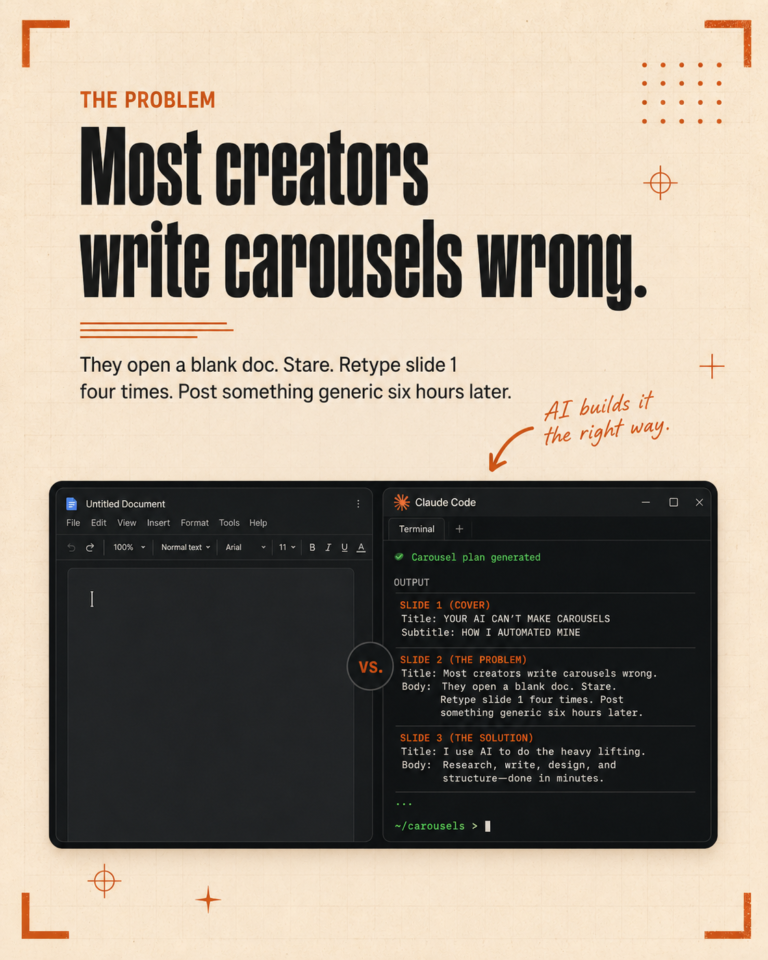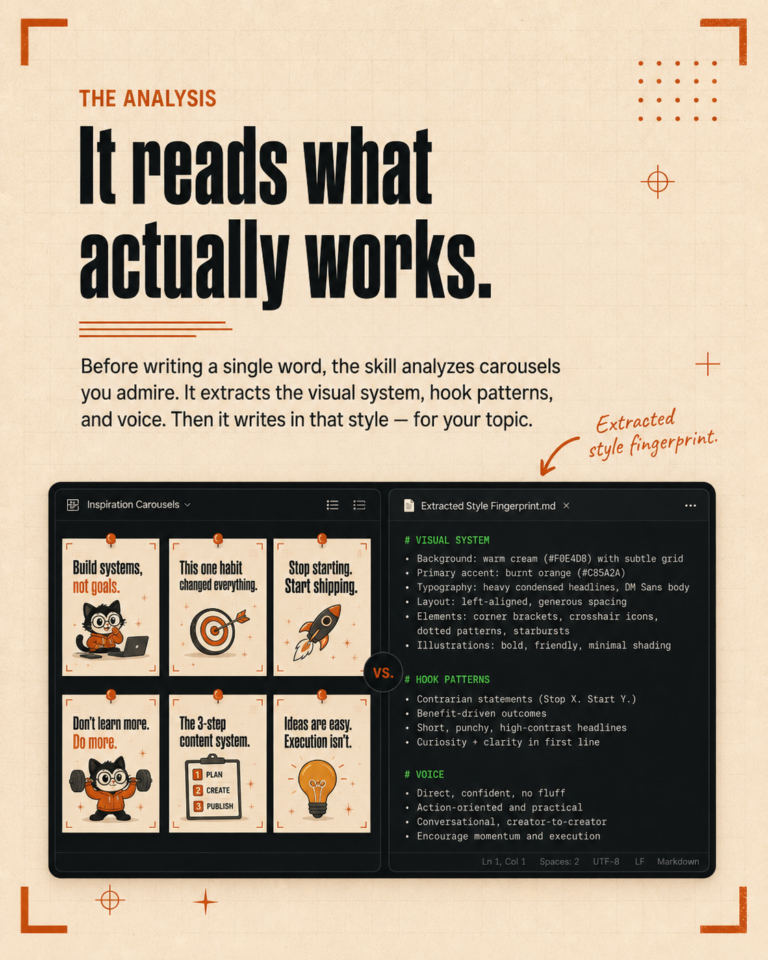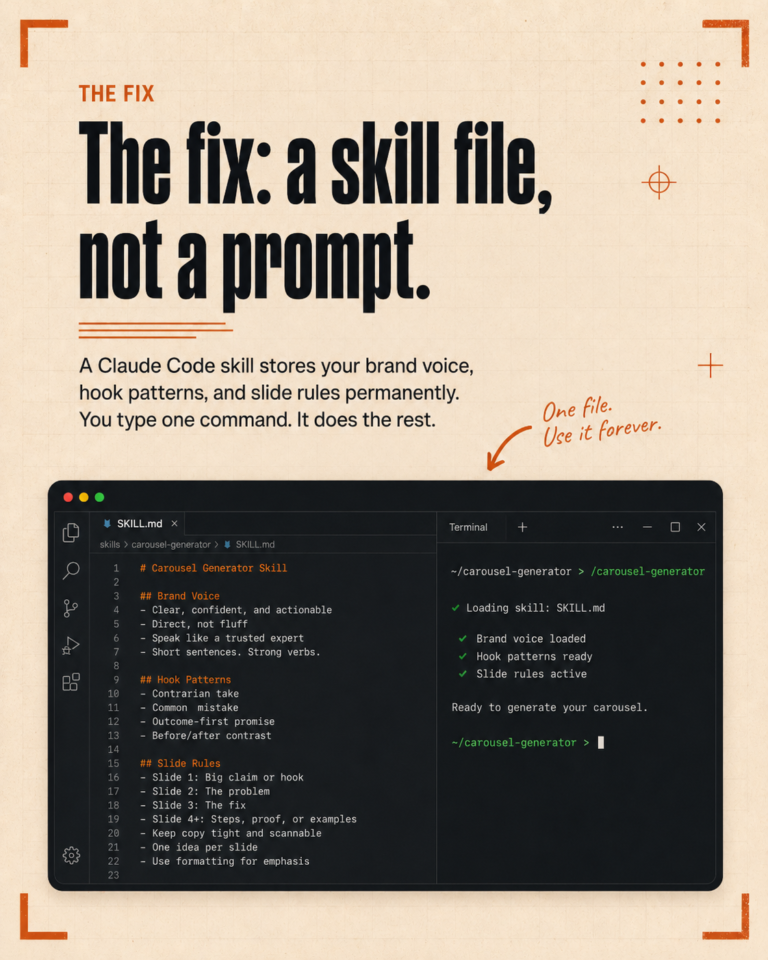
If you use Claude Code for marketing and you do not have a CLAUDE.md file, you are working harder than you need to. Every session starts from zero. Every prompt needs full context. Every output requires heavy editing because the AI does not know your rules.
CLAUDE.md fixes all of that. It is a single file that tells Claude Code who you are, who your clients are, what rules to follow, and how to produce work that matches your standards. It loads automatically at the start of every session. No copy-pasting, no re-explaining.
At The Igniting Studio, our CLAUDE.md file is the foundation of everything we do. This guide explains what goes in it, how we structure ours, and how to write your first one from scratch.
What Is CLAUDE.md and Why It Matters
CLAUDE.md is a plain text file that sits in the root of your Claude Code project. When you start a new session, Claude reads this file before anything else. Whatever you put in it becomes the baseline context for every interaction.
For marketers, this is significant. Marketing work is context-heavy. Every client has a different voice. Every platform has different rules. Every brand has words they love and words they will never use. Without persistent context, you spend the first five minutes of every session explaining all of this. With CLAUDE.md, it is already loaded.
Think of it as your operating manual for AI-assisted marketing. It holds the rules that make the difference between generic AI output and output that sounds like it came from your agency.
How We Structure Our CLAUDE.md
Our file has grown over months of real work. Every rule in it exists because we made a mistake at least once. Here are the main sections.
Global Rules
These apply to everything, across all clients and tasks. Ours include formatting preferences (we never use em dashes, for example), quality control requirements (always verify facts before stating them), and content standards (captions are original writing, not video summaries).
Global rules prevent the most common AI mistakes from appearing in your work. If you notice the AI making the same error repeatedly, add a rule. Over time, this section becomes a quality filter that catches problems automatically.
Client Voice Summaries
Each client gets a brief summary of their voice and key rules. This is not the full style guide. It is the essential information Claude needs to produce on-brand content: how formal they are, their preferred vocabulary, their CTA style, their platform preferences.
For a local food business, this might say: “warm, casual, uses emojis sparingly, always ends with a soft CTA, never sounds salesy.” For a professional services firm: “measured, authoritative, no emojis, data-driven, prefers LinkedIn-style language.”
Skill References
We have built dozens of reusable workflows (we call them skills) for specific marketing tasks. The CLAUDE.md file references these so Claude knows they exist and when to use them. Instead of writing ad-hoc prompts for common tasks, we point to the skill file and let it handle the process.
Memory and Context
Key facts that persist across sessions. Confirmed client details, lessons learned, pricing information, workflow preferences. This prevents Claude from guessing or making assumptions about things we have already established.
Content Rules
Specific rules for content creation: hashtag formatting (always lowercase), caption writing standards, thumbnail guidelines, platform-specific requirements. These ensure consistency across every piece of content we produce.
Step by Step: Writing Your First CLAUDE.md
You do not need to build a comprehensive file on day one. Start simple and add to it over time. Here is the process.
Step 1: Create the File
In your Claude Code project root, create a file called CLAUDE.md. That is it. Claude will find it automatically.
Step 2: Write Your Global Rules (10 Minutes)
Start with 3 to 5 rules that apply to all your work. These should address the mistakes AI makes most often in your context. Some examples to get you started:
- Formatting preferences: “Never use em dashes. Use periods or commas instead.”
- Tone requirements: “All client-facing text should be professional but conversational. Never corporate.”
- Quality checks: “Before presenting any content, verify it follows the client’s voice rules.”
- Banned words: list any words that sound too AI-generated for your brand.
Step 3: Add Your First Client (15 Minutes)
Pick your most active client. Write a section that includes:
- Who they are. Industry, audience, what makes them different. Two to three sentences.
- How they sound. Three to five real sentences or captions they have written or approved. Real examples are more effective than descriptions.
- What they never say. Words, phrases, or tones that are off-brand. Being specific about what to avoid is just as important as describing what to include.
- Platform rules. Hashtag count, CTA format, emoji preferences, any platform-specific standards.
Step 4: Test It
Ask Claude Code to write a social media post for that client. Read the output. Does it sound like the client? Does it follow your rules? If not, adjust the CLAUDE.md and try again. Two or three rounds of testing usually get the voice dialed in.
Step 5: Add Rules as Problems Appear
Over the next few weeks, every time the AI produces something wrong, ask yourself: “Could a rule have prevented this?” If yes, add it. Our file grew from 20 lines to over 100 lines this way. Each rule represents a real problem solved permanently.
Real Examples of Rules That Made a Difference
Some rules from our own CLAUDE.md that had an outsized impact on output quality:
“Captions are not video summaries.” Before this rule, Claude would bullet-point what a video covered. After: captions became original writing in the client’s voice that could stand alone without the video.
“Always research hashtags using web search before writing them.” Claude used to invent hashtags that looked plausible but were not actually used by anyone. This rule forces verification.
“Never use [list of banned words].” Words like “revolutionary” and “game-changing” are AI giveaways. Banning them produces copy that sounds human.
“Check skills before every task.” Without this rule, Claude would sometimes improvise solutions instead of using the tested workflows we had already built. This ensures consistency.
None of these rules are complex. They are simple, specific, and they address real problems. That is what makes a good CLAUDE.md: practical rules born from actual work.
Advanced Patterns for Marketing Teams
Once you have the basics running, there are a few patterns that take things further.
Client-Level CLAUDE.md Files
In addition to your main project CLAUDE.md, you can create separate configuration files for each client. When you work on that client’s content, Claude reads both the global rules and the client-specific rules. This keeps your main file clean while giving each client deep, detailed context.
Memory Files
Separate files that store confirmed facts, decisions, and lessons learned. Claude reads these alongside the CLAUDE.md. When a client confirms their pricing, when you learn what hook styles work best for their audience, when they approve a specific caption format. Capture it in a memory file and it persists across every future session.
Self-Verification Rules
Rules that tell Claude to double-check its own work before presenting it. “After writing content, re-read and verify it follows all client rules.” “After editing a file, re-read it to confirm the edit applied correctly.” These catch errors before you see them.
Start Today, Improve Forever
Your CLAUDE.md does not need to be perfect on day one. It needs to exist. Start with five rules and one client. Test it. Add to it when something goes wrong. In a month, you will have a file that fundamentally changes the quality and consistency of your AI-assisted marketing work.
The best part: it only gets better. Every rule you add, every client you document, every mistake you prevent makes the entire system smarter. It is a compounding investment in your workflow.
Want help writing yours? Book a free 30-minute call and we will build your first CLAUDE.md together.