The list of AI content creation tools on a typical “top 50” article is mostly noise. Some of those tools are useful. Most are wrappers around the same three or four foundation models with a different UI. This is what an honest, working stack looks like after we cut everything that did not survive a year of real use.
What we actually use to make content
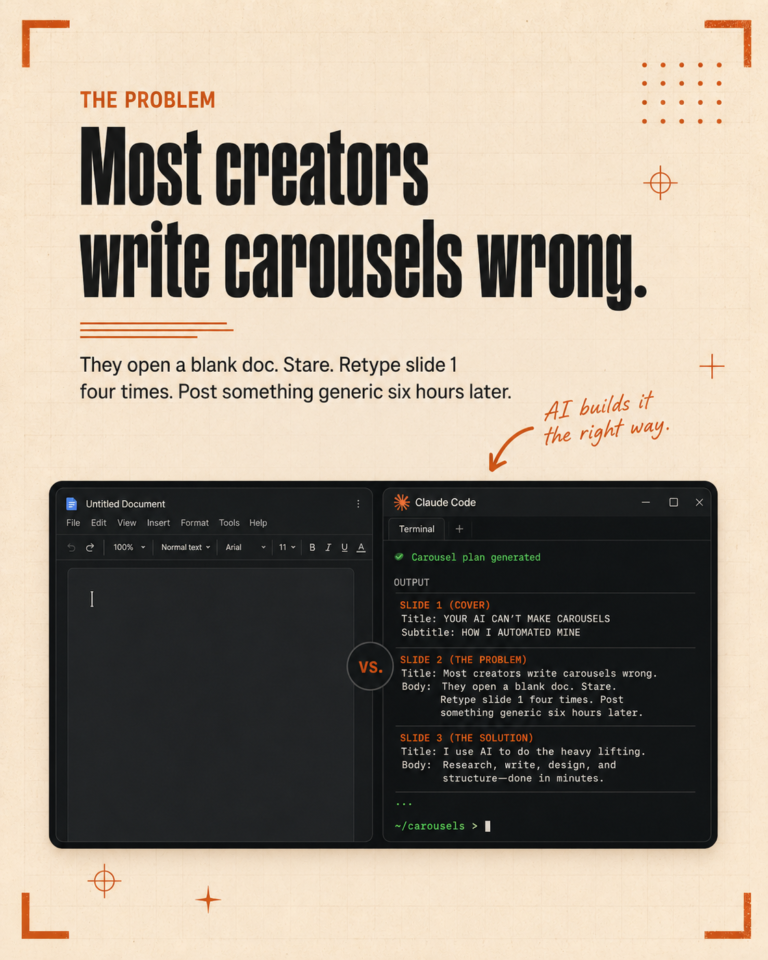
Our daily stack is short. Claude Code for the heavy lifting on writing, file context, and any task that needs to read multiple sources. CapCut for video editing. Canva for visual assets. Publer for social scheduling. WordPress for the blog. That is the working part of the system.
Everything else either sits unused or got cut.
Where AI earns its place in content creation
AI is worth paying for when it removes a step that used to take you real time. The clearest examples for us are these.
Long-form writing where you already know what you want to say but typing it out is the bottleneck. AI is good at that.
Repurposing one piece of content into seven platform-specific outputs. AI is much faster than a human at this and the output is usually correct after one editing pass.
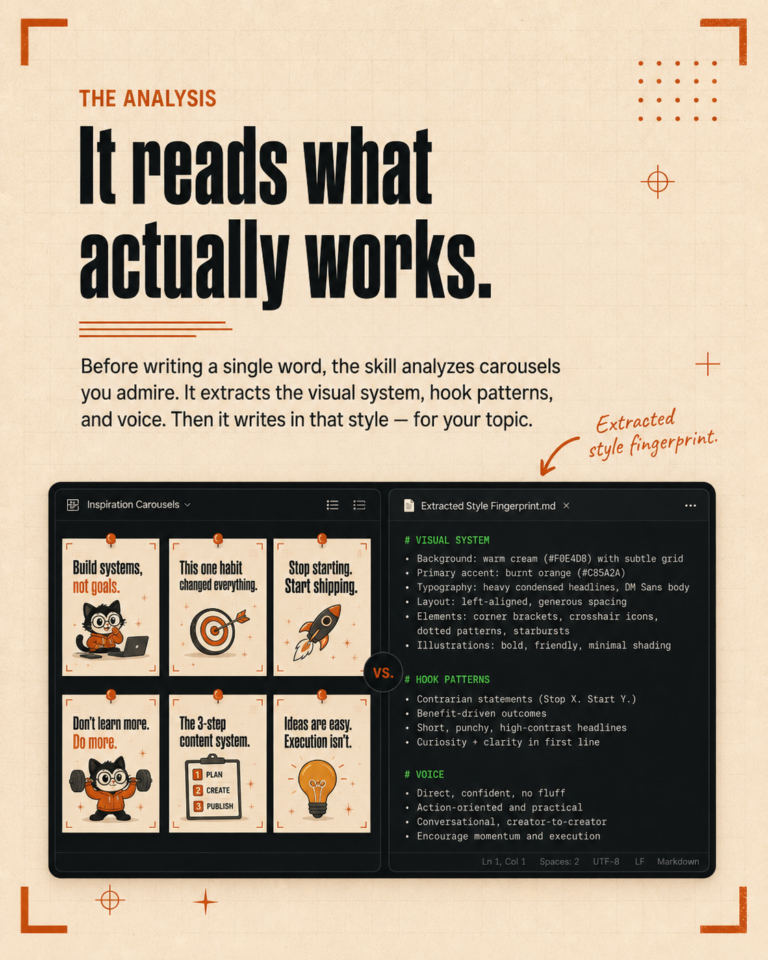
Voice matching across writers. If you have ever had a freelancer write something that did not sound like your brand, you know how much time editing takes. A well-configured AI gets close to the voice on the first draft.
SEO-first drafts that need to hit specific keywords without sounding stuffed. AI is good at this because it can hold the keyword list and the prose together.
Where AI is wasted budget
Visual brand work that needs craft. AI image tools are getting better but they cannot yet match a designer who knows your brand. Pay the designer.
Strategy. AI will give you a generic marketing plan that fits any business. That is the problem. You need a plan that fits your business.
Anything that requires a real opinion. Founder stories, opinion pieces, response posts. The AI will round off the edges and you will sound like everyone else.
The pattern under the noise
Once you strip away the branding, most AI content tools are doing one of three things. They write text using GPT-4, Claude, or Gemini. They generate images using Flux, DALL-E, or Stable Diffusion. They turn one piece of content into many.
The differences are workflow, integration, and pricing. The model underneath is rarely the differentiator. So the real question is not “which AI tool is best” but “which workflow do I want and what is the cleanest tool that supports it.”
Why a file-aware tool beats a chat tool
The biggest gap in most AI content stacks is context. You write a great prompt, get a great output, then close the tab. Tomorrow you have to give the AI the same context again.
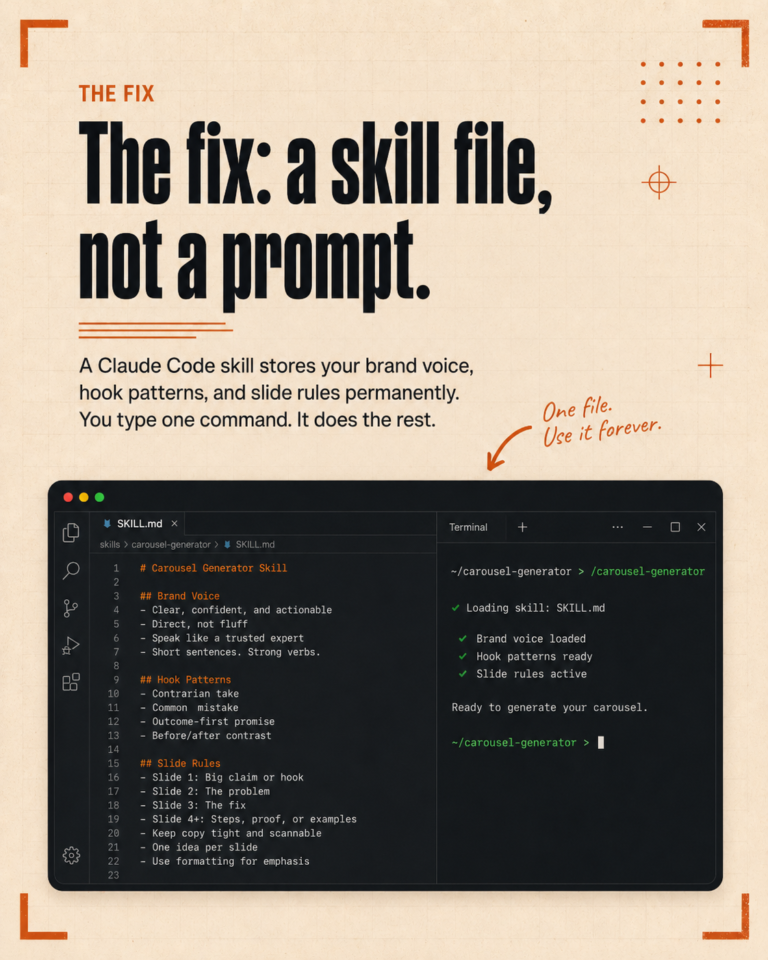
The tools that win in real use are the ones that remember. A file-aware tool like Claude Code reads your brand file, your past content, and your analytics every time it runs. You stop pasting the same brand brief into a chat box ten times a week.
This is the upgrade that compounds. Most marketers do not feel it until they have used it for a month.
The shortlist if you are starting from zero
If you have no AI tools yet and you want to build a working stack from scratch, this is what we would tell a friend.
One file-aware AI you can install and configure for your brand. That is Claude Code if you are tech-curious. Claude.ai or ChatGPT Projects if you are not.
One image tool. Canva covers ninety percent of small business needs. Add a real designer for the brand work.
One scheduler. Publer, Buffer, or Later. Pick one and stop comparing.
One blog platform. WordPress, Ghost, or Webflow. Pick one and stop comparing.
That is the stack. Everything else is optional.
The honest bit
Most stacks have too many tools, not too few. The marketers who get the most leverage out of AI use fewer tools, but use them properly. The setup is the slow part. The compounding shows up later.
If you want a second pair of eyes on your stack and a recommendation for what to add and what to cut, book a free call.