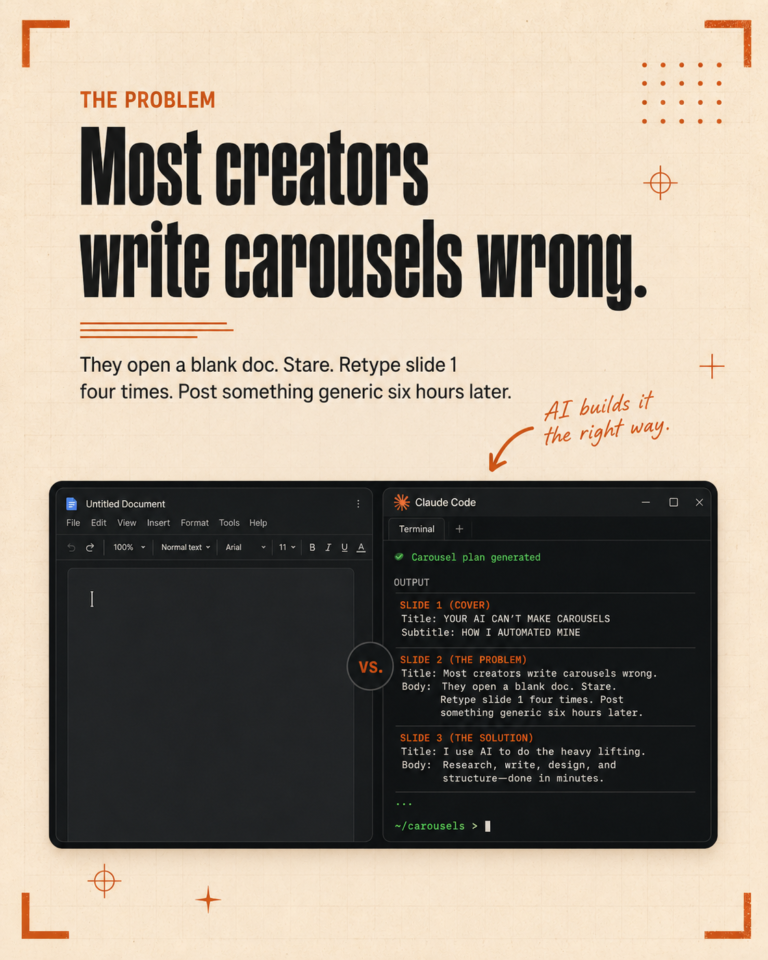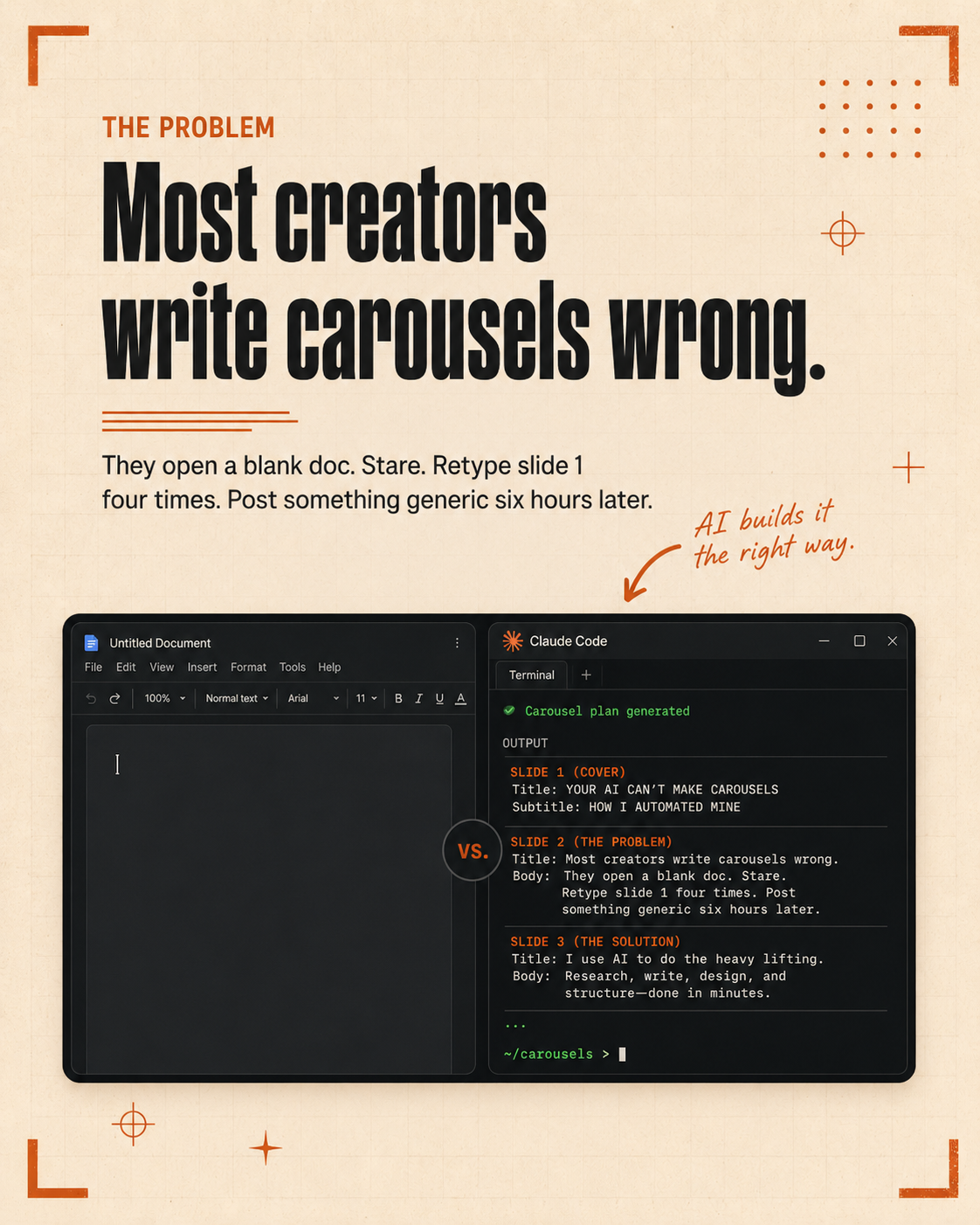
When people hear Claude Code, they picture a developer at a terminal writing software. That picture is half right. Claude Code does run in the terminal. But the work it does is not always code. For marketers, it is often research, writing, scheduling, and analysis, done through a system you build once and run as many times as you need.
This guide is for marketers, studio owners, and small business owners who want to understand what Claude Code actually does and how to get started without a technical background.
What Claude Code actually is
Claude Code is Anthropic AI assistant that runs locally on your computer. Unlike the Claude chat interface in your browser, Claude Code has access to your files, your folders, and external tools through MCP servers. It can read a file, write a new one, call an API, open a browser session, and chain all of those steps together without you clicking through each one manually.
For a marketer, this means you can build a workflow that reads your brand guidelines, pulls the latest content from a competitor social profile, writes five caption options in your brand voice, and saves them to a folder, all from a single command.
The three things that make it useful for marketing
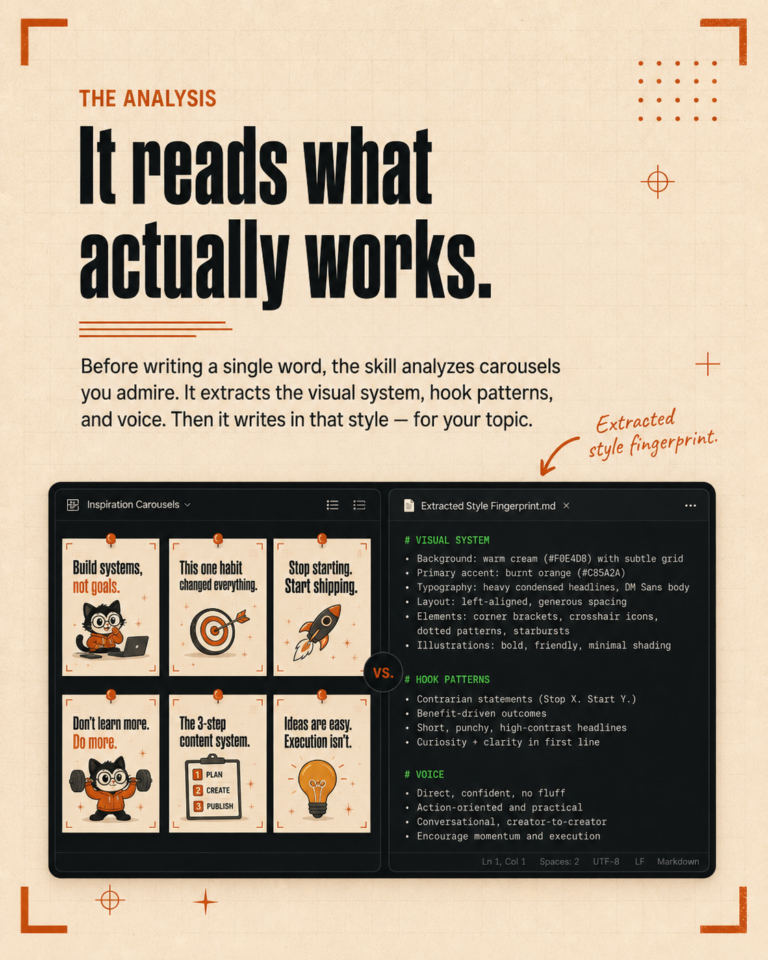
First, it has memory through files. When you give Claude Code a document with your brand voice, tone rules, and audience description, it references that document on every run. You do not start from a blank conversation each time. The context is already there.
Second, it can automate multi-step tasks. Content creation is rarely one step. You research, you draft, you edit, you format, you schedule. Claude Code can handle all of these in sequence. You describe the workflow once, and it runs it.
Third, it gets better with use. As you correct its outputs and add examples, the system learns your preferences. A caption skill that has been run 50 times on your brand sounds much more like you than the same skill on day one.
What you actually need to get started
You need a computer, a Claude Pro subscription or above, and about an hour to set things up the first time. You do not need to know how to code. You need to be comfortable typing commands and reading output. The setup involves installing Claude Code, creating a project folder, and writing a CLAUDE.md file that holds your brand briefing: voice rules, content pillars, tone guidelines.
The first skill worth building
The most immediately useful skill for most marketers is a caption generator. It takes a video transcript or a set of talking points, applies your brand voice rules, and produces five caption options with hashtags. The first run will be rough. By the tenth run, after you have corrected the outputs and added good examples, the quality difference is significant.
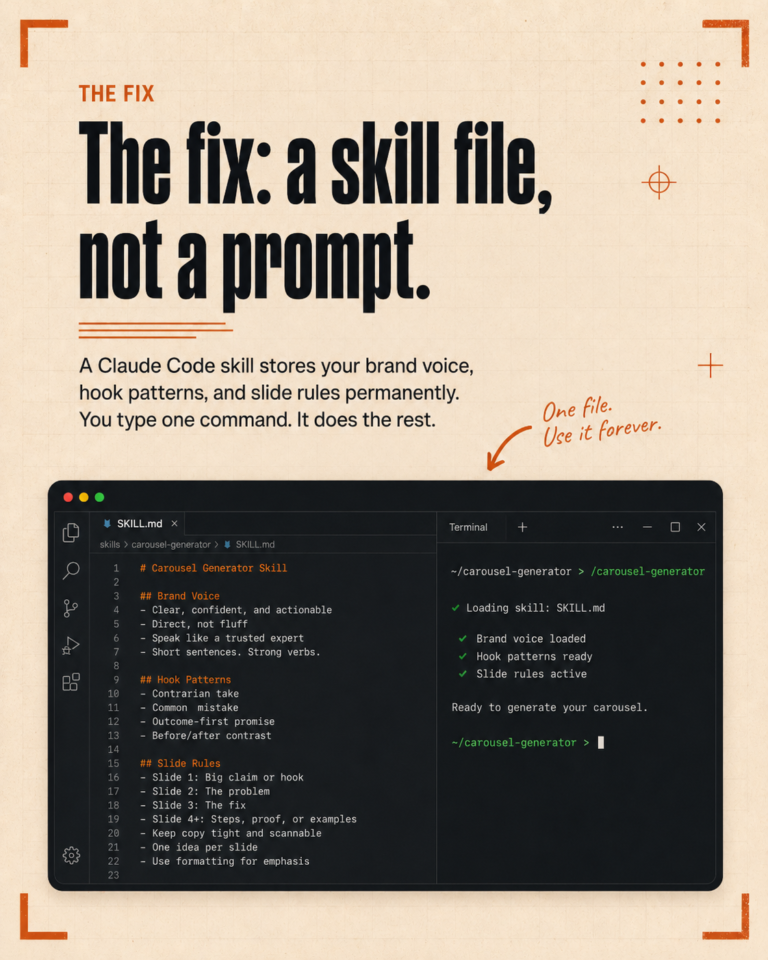
A skill file is a markdown document. It has a title, a description, and a set of instructions. You save it in your project folder. You call it by typing the skill name in Claude Code.
Common mistakes when starting out
The most common mistake is skipping the CLAUDE.md file and going straight to asking Claude to write content. The output will be generic because Claude has no context about your brand. The CLAUDE.md file is not optional.
The second common mistake is treating Claude Code like a chat tool. If you are just asking questions and reading responses, you are using 20 percent of what it can do. The value is in the workflows, not the conversations.
If you want to see how we have set this up for our own studio, book a free call and we will walk you through the structure we use.