There is a new “best AI tools” article every week, and most of them are written to fill a content quota. They list fifty tools, every one is a five-star pick, and the writer has clearly used three of them. This is not that list. These are the tools we actually use every week for real client marketing, what each one does well, and where the limits show up.
Claude Code: the production layer
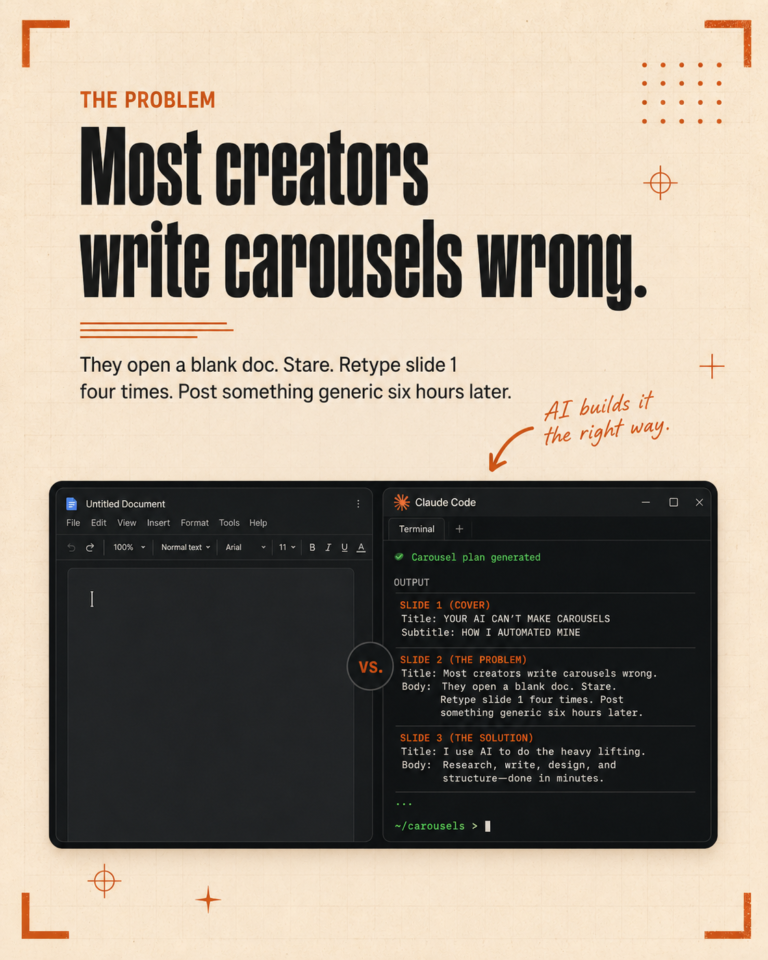
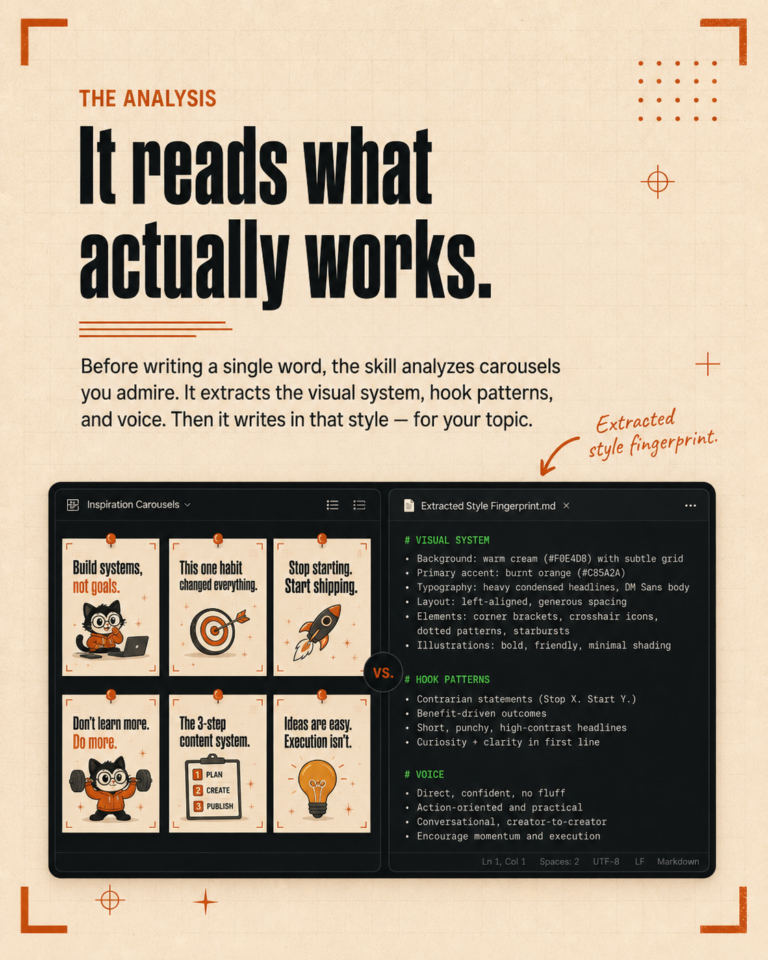
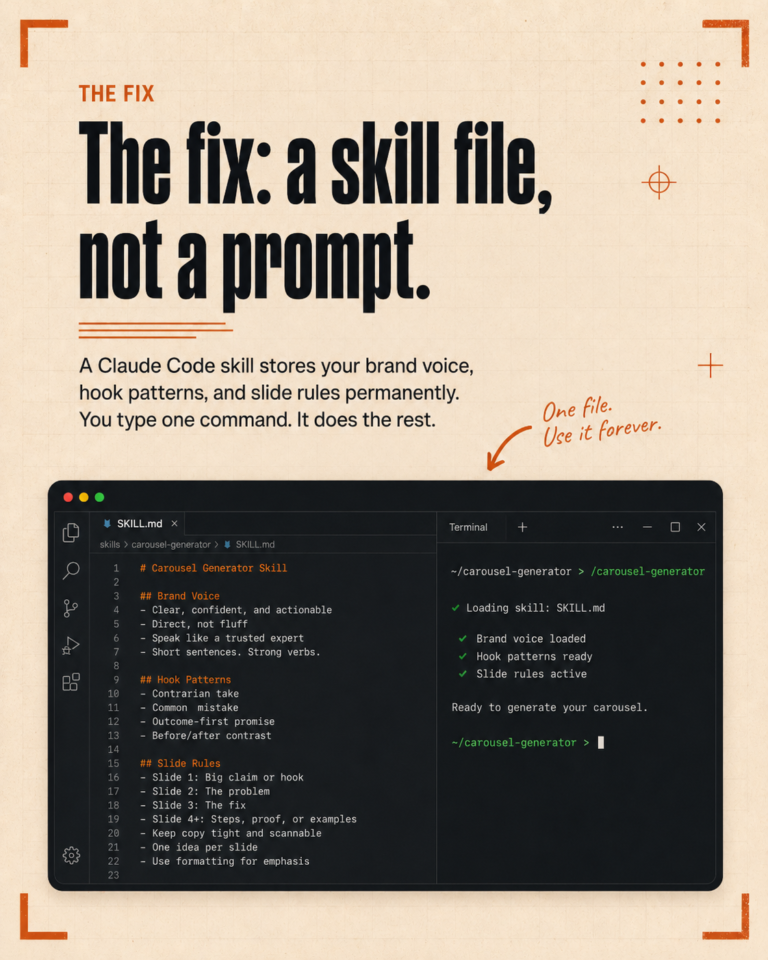
Claude Code is the foundation we run everything else on. It is not a single tool with a clear marketing use case. It is a coding-style interface that turns your project folders into operational systems with AI as the production engine. Configure it once with brand rules, voice files, and content pillars, and the same structure runs across every client without rewriting prompts.
The reason Claude Code is at the top of this list is that nothing else we have tried matches its consistency once it is set up. The work goes from “AI helps me write a draft” to “AI ships a draft I approve.” That shift is the whole game.
The tradeoff is the setup. The first week is a real learning curve. After that, it stops being a tool you think about and becomes infrastructure.
Publer: the scheduling layer
For social media scheduling, Publer is the tool we landed on after testing several. The reasons are practical. Strong API support, multi-platform coverage including TikTok and YouTube, reasonable pricing for small teams, and a queue interface that does not get in the way.
What it does well: queue everything in one place, post on a schedule, give you a clear view of what is going where and when. What it does not do: write the content, replace your brand voice, or understand platform-specific best practices. It is a delivery layer, not a creation layer. That is fine, because creation lives in Claude Code.
Apify: the data layer
For competitor research, audience research, and any kind of data scraping, Apify is the tool we use most often. It runs actors, which are pre-built scrapers, against social platforms, websites, and search results. It is the source of truth when we need real data instead of guesses.
What it does well: pull live data from platforms that do not have public APIs, run on a schedule, integrate with downstream tools through webhooks. What it does not do: analyze the data for you. The output is raw and needs processing, which is where Claude Code picks it up.
Canva: still the design tool
Canva is not new, not exciting, and not the most powerful design tool. It is the right tool for small business marketing because it is fast, the templates are good, and the team can use it without training. AI features are improving inside Canva itself, but the core value is still the speed and the brand kit functionality.
For graphics that need to ship on a deadline, Canva is the answer. For anything that needs original visual concept work, you still need a designer or a more specialized tool.
CapCut: short-form video editing
For TikTok, Instagram Reels, and YouTube Shorts, CapCut is the editor we use. It is free, the AI features for captions and templates are genuinely useful, and the export presets match every short-form platform. For a small team that does not have a dedicated video editor, CapCut is the closest thing to “good enough” that ships consistently.
The limit shows up at scale. If you are producing more than ten short-form videos a week, CapCut starts to feel manual. For a small business with a handful of clips per week, it is the right level of tool.
What we do not recommend
We do not recommend chasing every new tool that launches. The hidden cost of switching tools is the configuration that lives inside them: brand kits, templates, account connections, scheduling preferences. A tool that is 10 percent better is rarely worth the week of switching cost.
We also do not recommend buying tools that promise to replace the entire workflow with one product. They tend to do every step poorly. The stack above is a few specialized tools doing one job each, connected by Claude Code as the production layer that ties them together.
How to actually pick
Start with Claude Code, because the configuration layer is what makes everything else easier. Add Publer for scheduling once content is ready to ship. Bring in Apify when you need real competitor or audience data. Keep Canva and CapCut for visual production. That stack will run the marketing for most small businesses without gaps.
If you want help picking the right starting point for your business or designing the workflow that ties these tools together, book a free call here and we will look at where you are now and what to set up first.