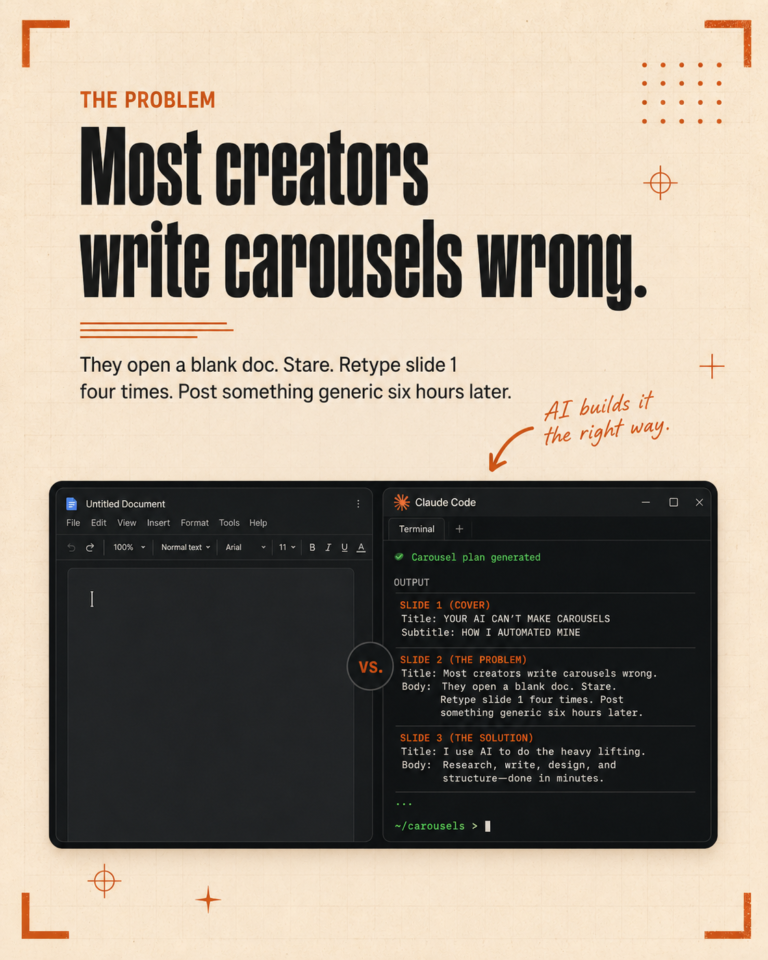
Most posts about using AI for social media stop at “use this prompt to write a caption.” That is not a system. It is a one-time win. The actual question is how do you produce a full week of platform-correct content for multiple brands without burning your weekend, and have the brand voice be right on the first pass.
This is the system we run every Monday morning, broken down into the pieces that matter and the parts that are easy to skip.
Step one: the source material
The week starts with a source piece. For us, that is usually a long-form video or a podcast clip from earlier in the week. For other operators it might be a transcript of a client call, a blog post, or a written essay. The point is one piece of substance that has more content potential than a single post.
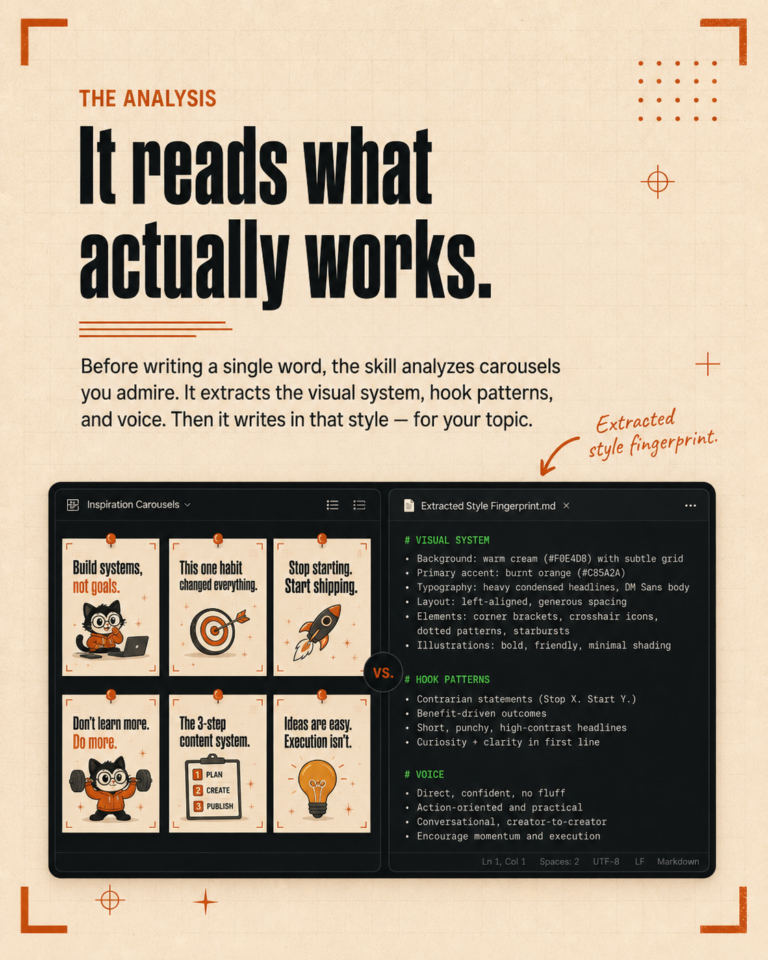
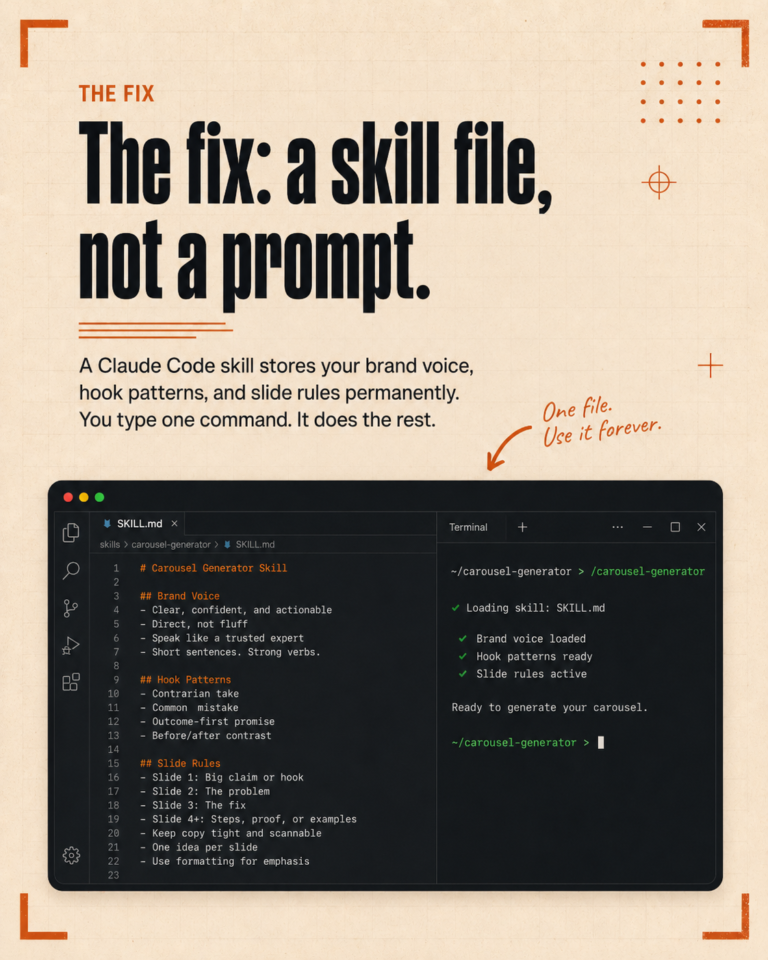
We feed the source into Claude Code, which transcribes it if needed, and runs the content engine skill on the transcript. The skill knows the brand voice, the content pillars, and the platform rules. It does not need a fresh briefing every time. The configuration lives in the project folder.
Step two: platform-specific generation
The content engine produces a different kind of output for each platform, not the same caption rewritten five times. A LinkedIn post is structured for LinkedIn: hook in the first line, depth in the middle, question or CTA at the end, hashtags below. An Instagram caption is different: more personal, shorter, hashtags at the end and lowercase. A TikTok or short-form hook is structured for video: punchy, conversational, designed to be spoken on camera.
The skill knows which platforms post on which days, so the output is already date-stamped. Monday gets the theme intro, Tuesday gets the practical tip, Wednesday gets the demo reference, and so on through the week. We do not have to remember the cadence because the skill enforces it.
Step three: review and adjustment
This is the part that takes the most actual judgment. We read each post, check that the hook holds up, look for any AI tells the rules might have missed, and tighten anything that feels generic. On a normal week, this takes about thirty minutes for seven posts.
The first month we ran this system, the review took longer because the rules were still being refined. Every time we found something that needed editing repeatedly, we added a rule to the brand CLAUDE.md or the skill itself, so the same fix would not need to happen again the next week. After a couple of months, the review stopped being editing and started being approval.
Step four: scheduling through the API
Once the posts are ready, we schedule them through Publer, which we picked because it has an API that supports the full set of platforms we publish to. The content engine includes a scheduling step that calls the Publer API directly, drops each post on the right account on the right day at the right time, and confirms the queue.
This is the part that took the longest to debug. The API behavior is fiddly, and we lost three days last week to a single parameter that needed to be a string instead of an array. Once the integration is solid, the queue fills itself without anyone touching the Publer interface.
Step five: the short-form clips
The same source video gets clipped into short-form content for TikTok, Instagram Reels, and YouTube Shorts. The clipping itself is still mostly manual, because we have not found a clipping tool we trust to pick the right moments without supervision. But the captions, hashtags, and platform-specific descriptions for each clip are generated by the same content engine, in the same brand voice, using the same configuration.
Across all platforms, a week of content takes about three hours of operator time, where the same output used to take a full day. The savings are not in any single step. They come from the configuration layer doing the repetitive work that used to need a person.
What you need to actually run this
You need a project folder for each brand or each client. A CLAUDE.md file inside that folder describing the voice, the rules, the pillars, and the formatting. A content engine skill that ties the workflow together. An API connection to your scheduling tool. A source piece every week.
The configuration takes a few weeks to dial in. After that, the system runs at a pace that does not feel like work in the same way it used to.
If you want to see the actual file structure we use to run this system across multiple brands, book a free call here and we will walk through it on screen.