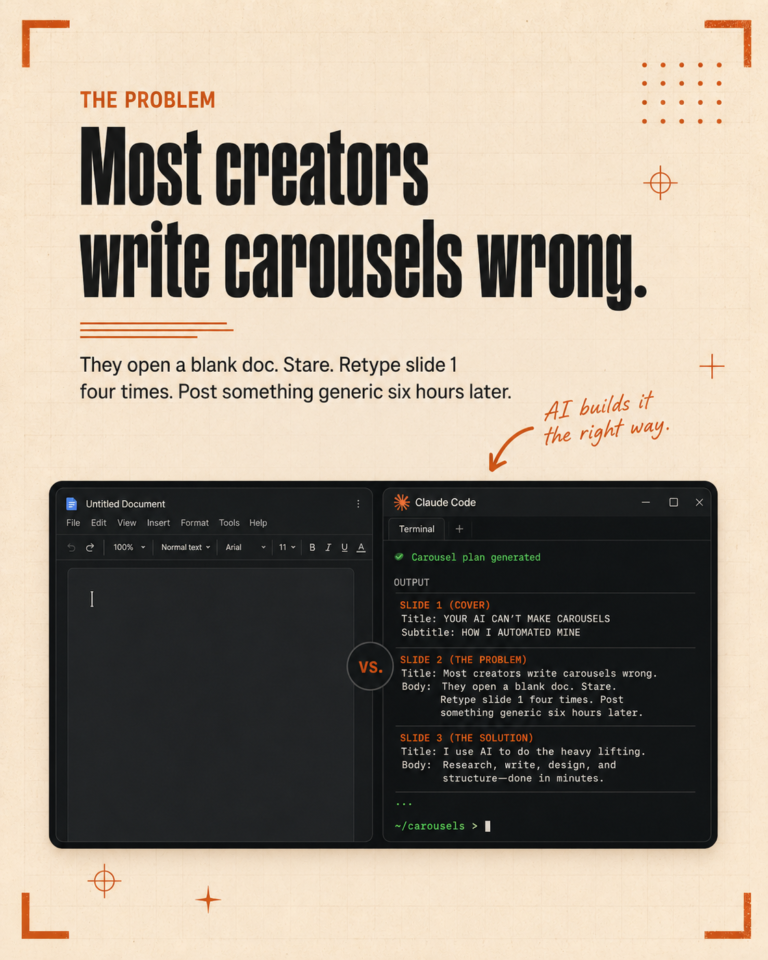
Most people install Claude Code, type a few prompts, get something useful, then close the terminal and forget it exists. The leverage shows up in week two, not week one. This is the install order we walk new clients through so the first week is actually worth the time.
Anthropic recently doubled the rate limits for Pro and Max plans and removed the peak hours reduction. That changes the calculation for daily users. You can now run heavier workflows without hitting the cap mid-session. It is a good moment to commit to a real setup.
Day one: install and one good CLAUDE.md
Install Claude Code from the official site. The download takes a few minutes. Once it is running, do not open a random project. Create a new folder for your work. Inside that folder, create a file called CLAUDE.md.
The CLAUDE.md is the most important file in the whole setup. It tells the AI who you are, what tone you write in, what words you avoid, and what rules apply to every task. A good CLAUDE.md is the difference between AI output you have to rewrite and AI output you can ship.
Spend an hour on this file. List your tone. List your banned words. List your brand colors if you do design work. Add a section called “rules” with the things that must always be true.
Day two: connect your folders
The whole point of Claude Code is file context. If your project folder only contains a CLAUDE.md, you are not using the tool the way it is meant to be used.
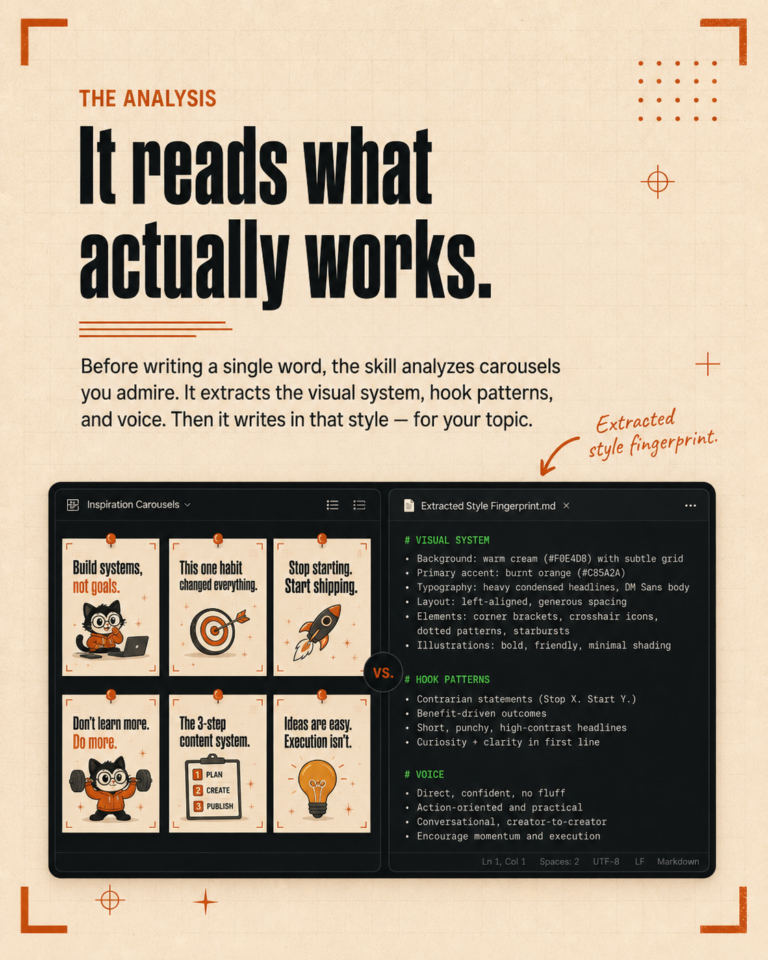
Copy in your style guide. Copy in three or four examples of past content that you consider good. Add an analytics file with notes on what has worked and what has not. The more real material the AI can read, the better its output matches what you would have written yourself.
Day three: install one skill
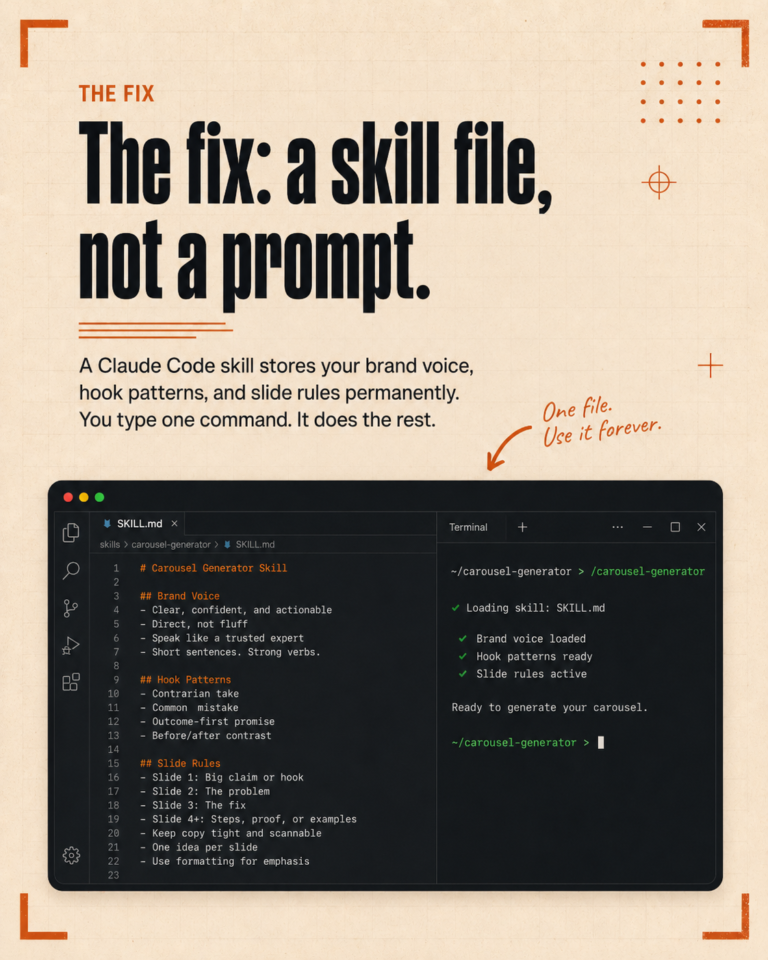
Skills are reusable folders of instructions you can install once and trigger any time. The Claude Code community has hundreds of them. Do not install ten on day one. Install one.
If you write captions for social, install a caption-writing skill that matches your platform. If you do SEO, install a keyword research skill. The point is to feel what a skill does so you understand the pattern.
Once you have run one skill twice and seen it work, the rest of the install order becomes obvious.
Day four: write your first custom skill
Writing a skill sounds technical. It is not. A skill is a folder with one markdown file describing the steps you want the AI to follow. If you can write a process doc, you can write a skill.
Pick the most boring repeating task in your week. The one you wish someone else would handle. Write down the steps. Save it as a SKILL.md file inside a folder named after the task. You now have a custom skill. Run it.
Day five: review the output, fix the CLAUDE.md
By Friday, you should have a few outputs that mostly work and a couple that miss. Go back to your CLAUDE.md and add the rules you wish the AI had followed. This is the iteration loop that makes the setup actually fit your work.
The CLAUDE.md is never done. We update ours every week as we catch the AI doing things we do not want.
Day six and seven: rest, then commit to one workflow
Take the weekend off. On Monday, pick one workflow you want Claude Code to run permanently. Not three. Not five. One.
For us, the first workflow we committed to was weekly content generation. It was the most painful manual task and the one that paid off immediately. We did not touch anything else until that one was solid.
The rest of the system grew from there.
Common mistakes in week one
Three things to avoid. Do not install ten skills at once. Do not skip the CLAUDE.md. Do not give the AI a vague prompt with no context and then blame the tool when the output is generic.
Claude Code rewards setup. The first hour is unpleasant. Hour twenty is where you stop typing prompts and start watching the system do the work.
If you want help with the install and your first three skills, book a free call and we will walk you through it on a screen share.