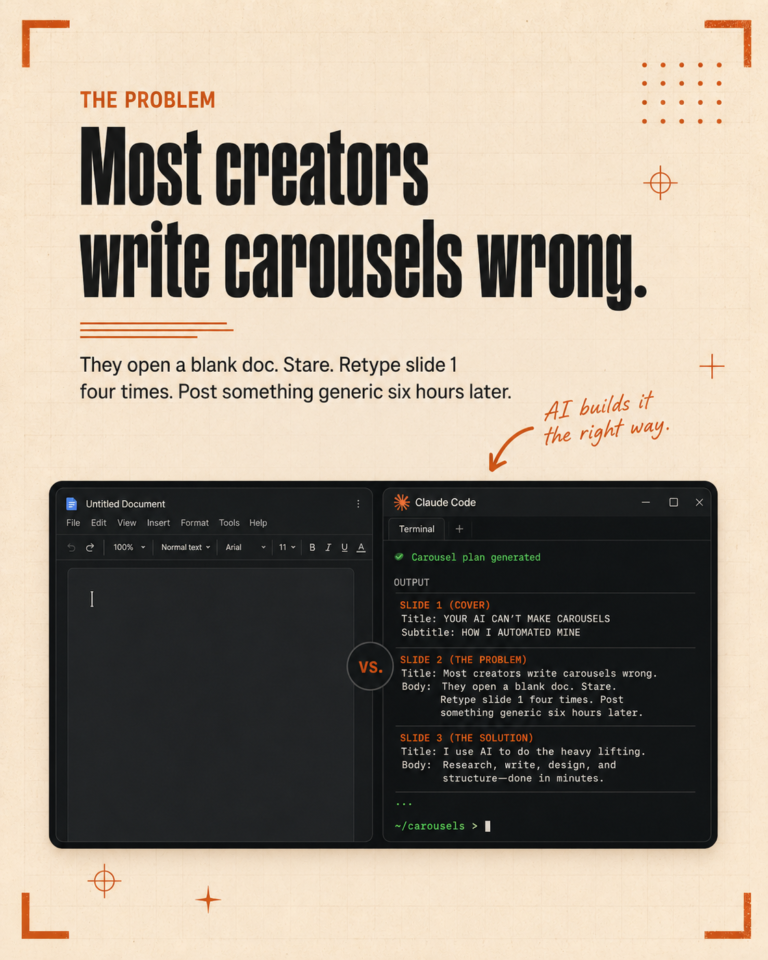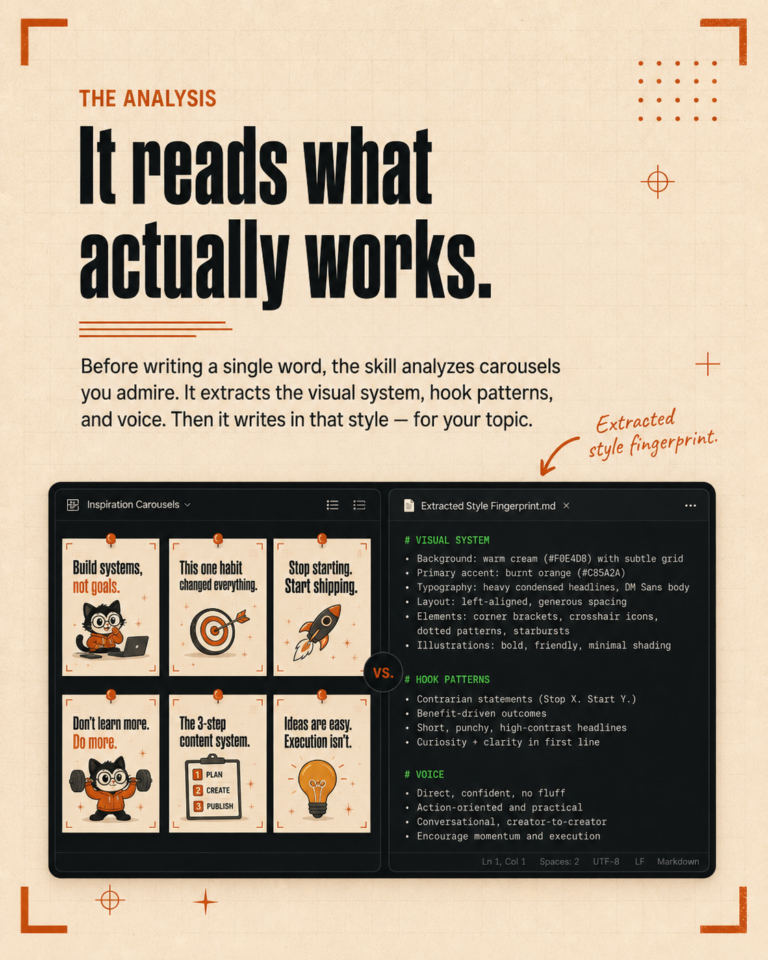
Filming the video is only 30% of the work.
The other 70%? Everything that happens after you press stop. Writing the YouTube description. Coming up with five title options. Designing three thumbnail concepts. Writing a LinkedIn post that actually sounds like you. A TikTok caption. An Instagram caption. A newsletter section. A blog post. Tags, hashtags, SEO fields.
I used to spend 3 to 4 hours on this part. For every single video.
So I automated it. And now it takes me about 15 minutes.
This post is the full breakdown of how the system works, what it produces, what rules keep the quality high, and whether you could build something like this yourself.
The problem: one video, ten pieces of content
If you create video content for your business or your clients, you already know this pain. You film a great video. Maybe it took you 20 minutes. Maybe it took two hours of prep and filming and reshooting.
Then you sit down at your desk and realize that video needs to live on YouTube, LinkedIn, TikTok, Instagram, your newsletter, and your blog. Each platform has different rules. Different character limits. Different audiences.
Writing a TikTok caption is not the same as writing a LinkedIn post. A YouTube description needs tags and links. Thumbnails need headline text, layout direction, and a prompt for your designer or AI tool.
And here is the real problem: by the time you finish all of that, you are too tired to film the next video. The content engine I built solves exactly this. You give it one video script or transcript, and it gives you everything you need to publish across every platform.
What the content engine produces
From a single video transcript or script, the engine generates all of the following:
- 5 YouTube title options. Short, question-based, audience-specific. No clickbait, no ALL CAPS, no exclamation marks.
- Full YouTube description. SEO-optimized, with relevant tags, proper link placement, and a natural CTA.
- 3 thumbnail concepts. Each one with different headline text, expression direction, layout notes, and a ready-to-use ChatGPT/DALL-E prompt for generating or briefing the design.
- LinkedIn post. Written as an original thought piece. Professional but human. Not a summary of the video.
- Newsletter section. A standalone paragraph or two that works as part of a weekly or monthly email.
- Blog post. Full-length, SEO-friendly, automatically formatted for WordPress. This gets pushed straight to the site.
- TikTok caption. Short, punchy, scroll-stopping. With researched hashtags.
- Instagram caption. Slightly more developed than TikTok, same voice, same energy.
That is 10 distinct content pieces from one input. Each one written for its specific platform, not just copy-pasted with a different hashtag count.
How it works
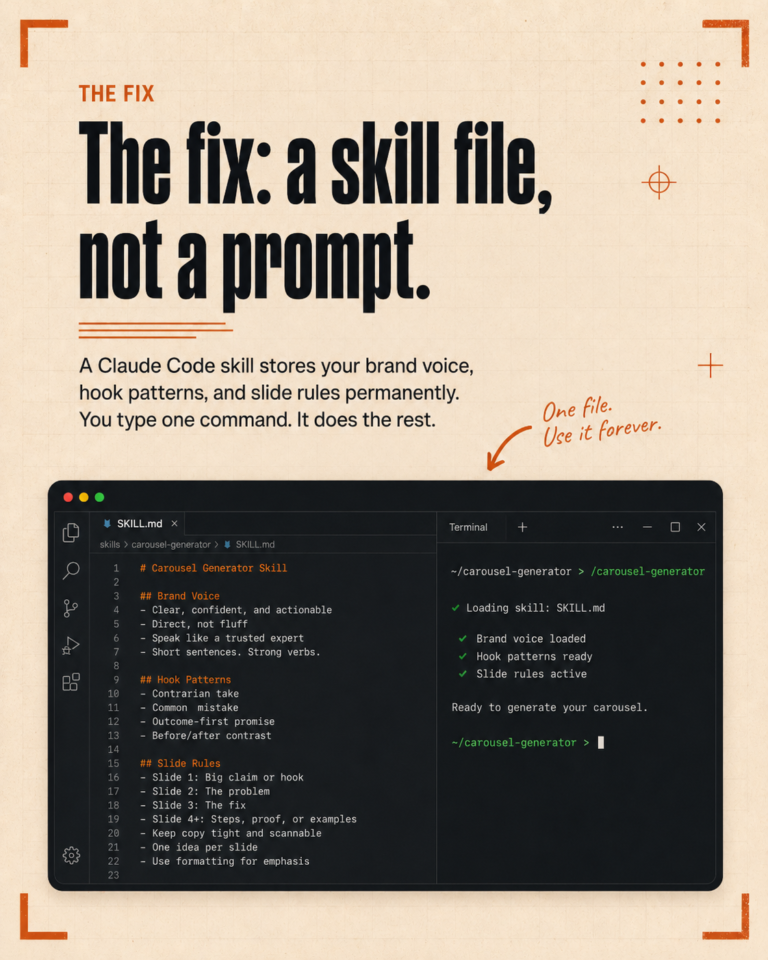
The whole system runs inside Claude Code using a custom skill file.
If you are not familiar with Claude Code: it is an AI coding tool that runs in your terminal. But I use it for marketing, not just code. The key feature is that it reads project files, follows rules, and remembers context across everything it does.
Here is how the content engine works in practice:
Step 1: The skill file. I wrote a detailed skill file that defines exactly what the content engine should produce, in what format, and following what rules. Think of it as a recipe card. Every time I run the engine, it follows the same steps in the same order.
Step 2: The CLAUDE.md rules. This is a project-level file that Claude Code reads automatically every session. It contains global rules that apply to everything: no video summaries in captions, always research hashtags before writing them, thumbnail text must be large and bold, all titles must be question-based. These rules are enforced every single time, with no exceptions.
Step 3: One command. I paste in the video transcript, run the skill, and the engine produces all 10 pieces. I review, adjust where needed, and publish. That is it.
No switching between five different tools. No copying and pasting into different templates. No forgetting whether I already wrote the LinkedIn version or not.
The quality controls built in
This is the part I am most proud of. Anyone can build a system that generates 10 pieces of content. The hard part is making sure none of them are garbage.
Here are the rules baked into the engine:
Captions are never video summaries
This is the biggest rule. Most AI-generated captions just bullet-point what the video covers. “In this video, I talk about X, Y, and Z.” That is lazy and it reads as AI-generated instantly.
My engine writes captions as original thoughts in my voice. They can reference the video, but they have to stand alone as a piece of writing. A good caption makes you feel something or think differently. It is not a transcript with hashtags.
Hashtags are always researched
The engine never invents hashtags from memory. Before writing any hashtags, it searches for what is actually being used and what is trending in that niche. Every hashtag is lowercase, single-word only, and never includes a brand name. No #TheIgnitingStudio. No #AIMarketing with random capitalization.
Thumbnail rules are strict
Every thumbnail concept must include: headline text (ALL CAPS, large enough to read at thumbnail size), expression direction, layout notes, and a complete ChatGPT/DALL-E prompt. No small subtext. No decorative elements that shrink the headline. Multiple lines are fine, but every line of text must be described as large and bold in the prompt.
Titles follow a specific style
YouTube titles are short, question-based, and call out the audience directly. “Are you still doing X instead of Y?” works. “5 Reasons I Switched From X to Y” does not. No list-style titles, no ALL CAPS, no exclamation marks.
Voice stays consistent
The engine knows my voice. Warm, direct, no fluff. Conversational but competent. Honest and quietly confident. If a sentence sounds like it belongs in a LinkedIn ad, it gets rewritten.
Real numbers: 15 minutes vs 3-4 hours
Before the content engine, my workflow looked like this:
- Film the video: 20-60 minutes
- Write YouTube title and description: 20-30 minutes
- Design/brief thumbnails: 30-45 minutes
- Write LinkedIn post: 15-20 minutes
- Write TikTok caption: 10-15 minutes
- Write Instagram caption: 10-15 minutes
- Write newsletter section: 15-20 minutes
- Write or adapt blog post: 30-45 minutes
- Research hashtags: 10-15 minutes
Total post-production content work: 2.5 to 4 hours.
With the content engine:
- Paste transcript and run the skill: 2 minutes
- Engine generates everything: 5-8 minutes
- Review and adjust: 5-10 minutes
Total: 12 to 20 minutes. I usually land right around 15.
That is not a small improvement. That is getting back 2 to 3 hours per video. If I publish two videos a week, that is 4 to 6 hours saved. Every single week.
What I would still change
I want to be honest about the limitations because this system is not perfect.
Blog formatting still needs a quick review. The engine writes solid blog content, but sometimes the heading structure or paragraph breaks need a small manual tweak before pushing to WordPress.
Platform algorithm trends change. The engine follows fixed rules, which is great for consistency but means I need to update the skill file when platform best practices shift. Right now that is a manual check every month or so.
It does not schedule or publish automatically. The engine creates the content, but I still copy it into each platform manually or use a scheduling tool. Full auto-publish is on my list, but it is not built yet.
Thumbnail prompts are good, not perfect. The AI-generated thumbnails from the prompts get me about 80% of the way there. I still tweak colors, adjust text placement, or swap expressions. But having a clear brief with three options to start from saves a lot of time compared to starting from scratch.
Tone calibration is ongoing. The more I use the engine, the better the voice gets. But every few weeks I find a phrase or pattern that sounds a bit too polished and I add a new rule to prevent it. The system improves over time, but it is not set-and-forget.
Could you build this yourself?
Yes. Honestly, yes.
Here is what you would need:
Claude Code (or a similar AI tool that reads project files). This is the core. You need an AI that can follow persistent rules, not just respond to one prompt at a time. Claude Code does this through CLAUDE.md files and custom skills.
A clear set of rules for each platform. Character limits, tone, formatting, hashtag counts, CTA placement. Write these down before you start building. The rules are what keep the quality consistent.
A skill file or template. This is the step-by-step recipe the engine follows. Define the inputs (transcript), the outputs (titles, descriptions, captions, etc.), and the format for each one.
Your own voice documented. This is the part most people skip. If you do not write down what your voice sounds like, the AI will default to generic marketing copy. Write examples of good and bad captions. List banned words. Describe your tone in plain terms.
Time to iterate. The first version of my content engine was not great. It took maybe 5 or 6 rounds of tweaking the rules, adjusting the skill file, and fixing edge cases before it reliably produced content I was happy with. Plan for a few hours of setup and a couple of weeks of refining.
The total investment for me was roughly 8 to 10 hours of building and testing. It paid for itself in the first week.
Frequently Asked Questions
What AI tool does the content engine use?
The content engine runs on Claude Code, which is Anthropic’s CLI tool for Claude. It is not a plugin or a SaaS product. It runs locally on my computer, reads my project files, and follows the rules I have written in my CLAUDE.md and skill files. The key advantage over ChatGPT or other chat-based AI tools is that Claude Code maintains persistent context and rules across sessions.
Does the content engine work for any niche or just marketing?
The structure works for any niche. The skill file and rules are specific to my business and my clients, but the framework is universal. If you create video content about fitness, cooking, real estate, or anything else, you can write your own rules for your niche and your platforms. The engine is the framework. Your rules make it yours.
How much does it cost to run?
Claude Code requires a Claude subscription. Beyond that, there is no additional cost for the content engine itself, since it is just a set of files and rules, not a separate tool. The whole system runs on your local machine. No API fees, no monthly SaaS charges, no per-post pricing.
Can the content engine replace a social media manager?
No, and that is not what it is for. The engine handles the repetitive production work: turning one piece of content into many. But strategy, community engagement, trend awareness, client communication, and creative direction still need a human. I use the engine to free up time for those higher-value tasks, not to eliminate them.
What if I do not use all the platforms the engine supports?
You just skip the ones you do not need. The skill file can be adjusted to only produce content for the platforms you actually post on. If you only use YouTube and LinkedIn, you remove TikTok and Instagram from the output list. The engine adapts to your setup, not the other way around.
The bottom line
Content repurposing is not optional if you are serious about growing on multiple platforms. But it should not eat your entire day either.
Building a content engine with AI was one of the best decisions I have made for my business this year. Not because the AI writes better than I do. It does not. But because it handles the repetitive, structured work that used to drain my energy and my calendar.
I film the video. I run one command. Fifteen minutes later, I have everything I need to show up on YouTube, LinkedIn, TikTok, Instagram, my newsletter, and my blog. With my voice. Following my rules. Every single time.
If you are spending 3 to 4 hours on post-production content work for every video you film, you do not have to keep doing that. The tools exist. The setup is not complicated. And once it is built, it just works.
I am happy to share more about how I set up the skill files and rules if you are interested. Drop me a message or check out the rest of the blog for more behind-the-scenes posts about how I use AI in my marketing workflow.
Best,
Kate