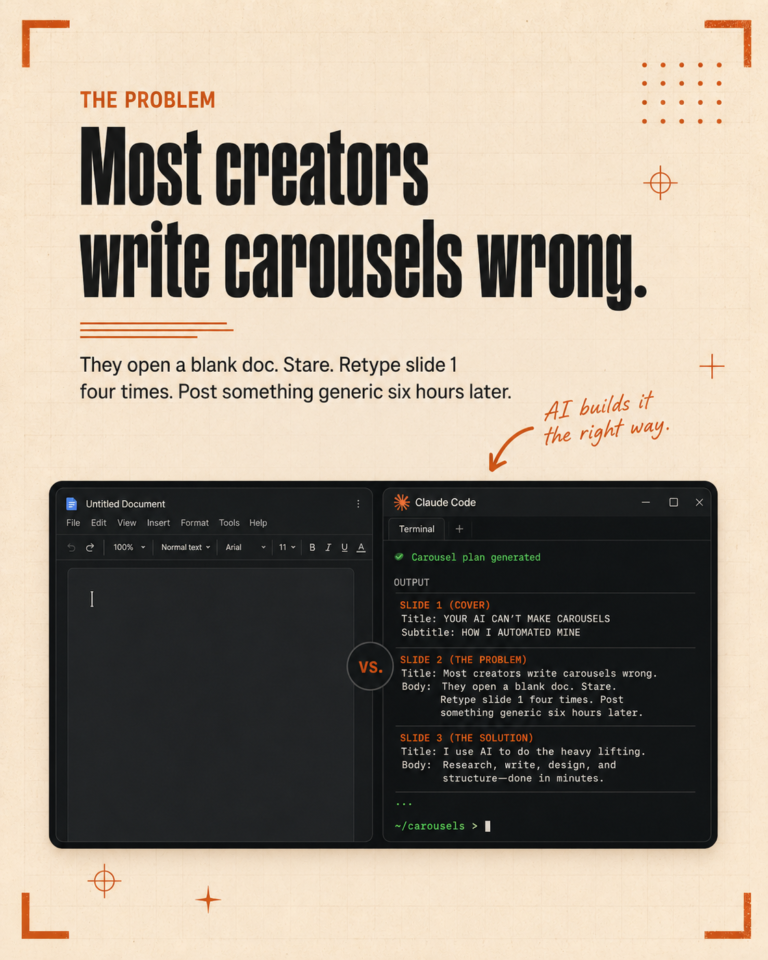
If you have been using AI for marketing for more than a few weeks, you know the pattern. You write a great prompt. It works. The next day you need the same output for a different client and you are pasting the prompt back in, tweaking it, and watching the output drift because half the rules got dropped. The work is done, but the process never gets faster.
Claude Code skills are the answer to that problem. A skill is a folder of instructions, scripts, and resources that the AI loads automatically when a matching task comes up. Anthropic shipped the feature in late 2025 and published the open standard in December, and the ecosystem of marketing-specific skills has been growing every week since. This is how we use them across client work, and what they actually change in practice.
What a skill actually is
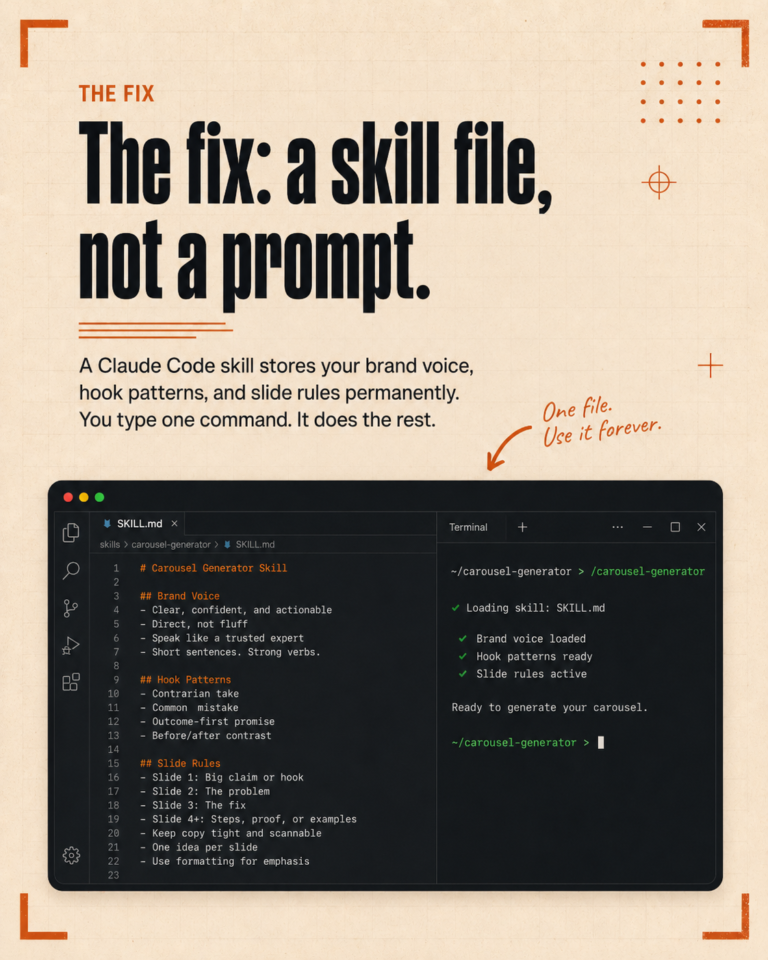
A skill is not a prompt. A prompt is something you type once into a chat box and lose when the session closes. A skill is a folder that lives inside your project, contains a SKILL.md file with the instructions, and gets pulled into context automatically the moment you describe a task that matches it.
You do not have to mention the skill by name. You write what you need in plain language, and Claude Code recognizes the match and runs the skill. The same skill can be triggered by any team member, in any project that includes it, with no copying or pasting between sessions.
The three marketing workflows we converted first
The first three skills we built were the ones we ran most often. The pattern was the same for each: we noticed we were typing nearly identical prompts more than three times a week, so we packaged the prompt into a skill and added the supporting files it needed.
The first was a video caption skill. It reads a transcript file, applies the brand voice profile, and outputs platform-specific captions for LinkedIn, Instagram, TikTok, and YouTube in one pass. Before this was a skill, every caption job took fifteen minutes of context loading. Now it takes one sentence to start.
The second was a weekly content skill. It generates a full week of platform-correct posts from the client content pillars and recent topics. The skill knows which days each platform posts on, which formats fit each day, and how to weave in trending angles without breaking voice rules.
The third was an outbound reply skill, the kind we use for cold DM responses on LinkedIn. It reads the conversation, checks the client voice file, and writes a peer-level reply optimized for moving toward a booked call without sounding like a sales script.
What changes when prompts become skills
The biggest shift is consistency. When the rules live in a skill, every output behaves the same way regardless of who triggered it. New team members can run a workflow on day one without learning the prompt structure first. The brand voice does not drift between sessions, because the voice file is loaded as part of the skill every time.
The second shift is speed. A workflow that took fifteen minutes of setup now takes one sentence. Across a week of client work, that compounds into hours saved without changing the quality of the output.
The third shift is something we did not expect, which is that skills make it easier to share workflows with other practitioners. A skill is a folder. You zip it, send it, and the recipient drops it into their own project. Compare that to passing around a prompt and a list of caveats and hoping nothing gets dropped in translation.
How to start building skills for your marketing work
Look at your last two weeks of AI prompts. Find the ones you typed more than three times. Those are your first skill candidates. Open the skill-creator skill, describe what the workflow does in plain language, point it at any supporting files like a voice guide or pillar list, and let it write the SKILL.md for you.
Test the new skill on real client work the next morning. If it produces an output you would have shipped anyway, the skill is ready. If it misses a rule, add the rule to the SKILL.md and run it again. By the time you have built three skills, the pattern of what works will be obvious, and the rest of your workflow library will follow naturally.
Where this is going
The shift from prompt to skill is the same shift teams went through when they moved from spreadsheets to software. The work itself does not change. The reliability and the speed do. For a marketing operator running multiple clients, that is the difference between AI as a helpful assistant and AI as actual infrastructure.
If you want help mapping your current marketing workflows to a skill structure that holds up under real client load, we run a short call to walk through the setup. Book a free call here and we will look at your current workflow and where the first three skills should live.